Nano Banana 2 image generator and photo editor
Google's fast Gemini 3.1 Flash Image model. Write a prompt, add a reference photo if you like, and get a new image at 30 credits.
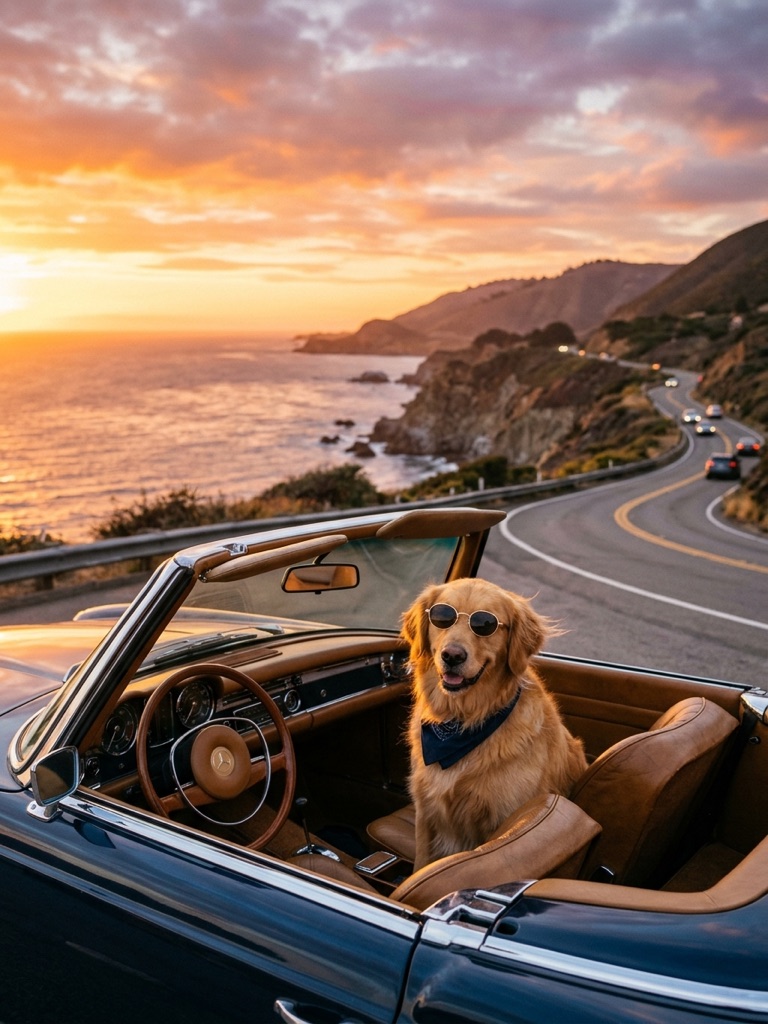
How to use Nano Banana 2
- 1
Write a prompt. Upload a reference photo if you want to edit it or reuse a character.
- 2
Pick an aspect ratio, or leave it on Auto, and click Generate.
- 3
Download the image, or find it later in My Images.
What is Nano Banana 2?
Nano Banana 2 is the nickname of Gemini 3.1 Flash Image, Google's fast image model and the successor to the original Nano Banana (Gemini 2.5 Flash Image). On this page it does two jobs in one box: write a prompt to generate a new picture, or upload a reference photo to edit it or to keep the same person, pet or product across several images. It is good at character consistency and at plain-language edits such as “same woman, now in a winter coat”. Each image costs 30 credits and comes out at standard 1K resolution. If you need clearer text on a poster or the most careful edit, Nano Banana Pro is the slower, 60-credit option.
Why use Nano Banana 2 online
Fast, at the standard price
As a Flash model, Nano Banana 2 returns images quickly and costs 30 credits, the same as the original Nano Banana, so it suits drafts, variations and everyday edits.
Keeps a character consistent
Upload one photo of a person, pet or mascot and place them in new scenes. With a real person, the tool keeps who they are and won't swap in someone else's face.
Text to image and photo edits in one place
The reference image is optional. Leave it out to generate from a prompt alone, or add one to change a background, an outfit or the light without switching to another tool.
Six aspect ratios, including Auto
Choose square, portrait, landscape, a tall 9:16 frame for stories, or Auto. Every result is saved in My Images, so you can download it again or upload it for another edit.
What you can make with Nano Banana 2
Social posts and story images
Create a square post or a 9:16 story image from a short prompt, then run a few variations to see which one fits your feed best.
A recurring character
Keep the same person, pet or mascot across a series of images, for a comic strip, a picture book draft or a brand account that posts every week.
Quick photo edits
Upload a photo and change the background, the weather, an outfit or a prop with one sentence. There are no masks, layers or editing software to learn.
Product and concept drafts
Try product angles, packaging colors or room layouts before a photo shoot. When a draft is close, switch to Nano Banana Pro for a more polished final version.
Tips for better Nano Banana 2 results
For a consistent character, upload one clear, well-lit photo where the face is visible, then describe only the new scene, such as “same man, cooking in a small kitchen”.
When editing, say what should change and what should stay: “replace the sky with a sunset, keep the people and the boat as they are”. One change per run works best.
Pick the aspect ratio before you write. A 9:16 frame suits one standing subject, while 16:9 leaves room for a wide scene or blank space for a headline.
Explore ideas on Nano Banana 2 at 30 credits, then rerun the prompt you like best on Nano Banana Pro if the image needs readable text or finer detail.
Simple, credit-based pricing
Every tool runs on the same credits. One image is 30 credits, and failed generations are refunded.
Starter
For occasional photos
- About 75 images per month
- 2,250 credits
- All 15 AI image tools
- Commercial use
- Failed generations refunded
Plus
For busy shops and creators
- About 150 images per month
- 4,500 credits
- All 15 AI image tools
- Commercial use
- Failed generations refunded
- Priority support
Business
For teams, agencies and high volume
- About 300 images per month
- 9,000 credits
- All 15 AI image tools
- Commercial use
- Failed generations refunded
- Dedicated support
Monthly and yearly plans renew automatically at the end of each period until you cancel, and you can cancel anytime in Settings. Credit packs are one-time purchases that never renew; their credits last 1 year. Prices include tax.
Nano Banana 2 FAQ
- What is Nano Banana 2, and is this the official site?
- Nano Banana 2 is Google's Gemini 3.1 Flash Image model, the successor to Nano Banana. We are an independent service that runs it through an API. We are not affiliated with Google, and this is not an official Google site.
- How is Nano Banana 2 different from Nano Banana and Nano Banana Pro?
- The original Nano Banana (Gemini 2.5 Flash Image) runs our Nano Banana AI Photo Editor. Nano Banana 2 is the newer fast Flash model, good at character consistency, at the same 30 credits. Nano Banana Pro (Gemini 3 Pro Image) gives the highest quality and better text, but it is slower and costs 60 credits.
- How many credits does Nano Banana 2 cost?
- Each image costs 30 credits, shown on the Generate button. If a generation fails, the credits are refunded automatically. Running the same prompt again makes a new image and costs another 30 credits.
- What resolution are Nano Banana 2 images?
- Images come out at standard 1K resolution, about 1024 pixels on the long side, in the aspect ratio you choose. That works well for social posts, websites and slides. Higher resolutions are not offered on this page.
- How do I use a reference image?
- Upload a photo next to the prompt. Nano Banana 2 can edit it, for example “change the jacket to red”, or use it as a reference for a new scene. With a photo of a person, the tool keeps who they are and won't swap in a different face. Prompts and images are moderated.
- Can I use Nano Banana 2 images commercially?
- Yes. You can use the images you create, including for commercial projects, subject to our terms of service. Make sure you have the rights to any photo you upload. Every image is saved in My Images, so you can download it again later.
- Can Nano Banana 2 put text in an image?
- It can draw short text, such as a word on a sign or a title on a poster. Put the exact words in quotes in your prompt. Long lines and small lettering can come out misspelled, so check them. For text-heavy designs, Nano Banana Pro is the better choice.
- Which aspect ratios can I choose?
- Square (1:1), portrait (3:4 and 9:16), landscape (4:3 and 16:9), plus Auto. Pick the frame before you generate, because the model composes the picture to fit it; a different ratio means running a new generation.
More AI tools

AI Image Generator
Describe what you want and get a high-quality image in seconds.

AI Product Photo
Turn a simple product snapshot into a studio-quality photo for your store.

Old Photo Restoration
Remove scratches and fading, sharpen faces and add natural color to black-and-white photos.

AI Headshot Generator
Get a professional headshot for LinkedIn or your resume from one selfie. No photographer needed.
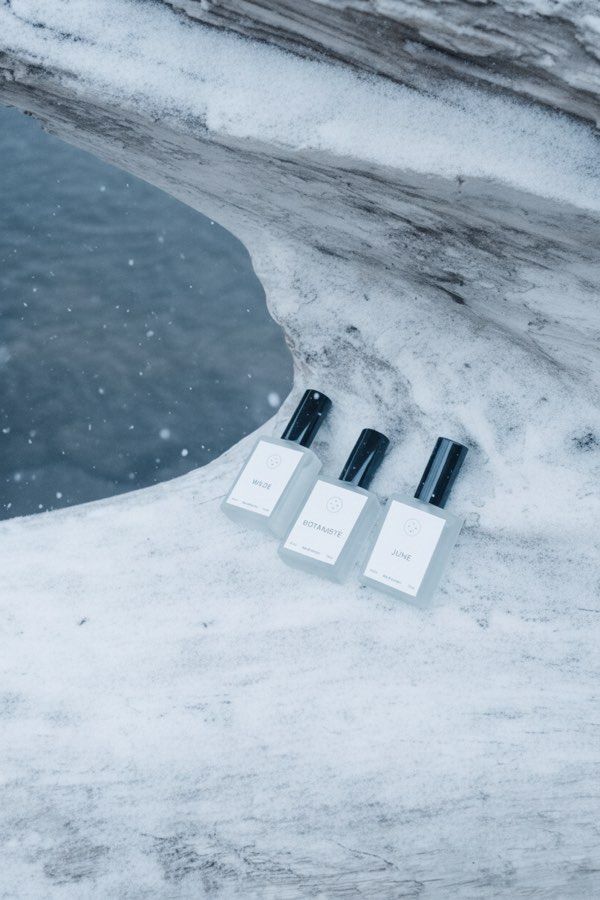
Nano Banana AI Photo Editor
Upload a photo, describe the change in plain words, and get the edited image in seconds.

AI Hairstyle Changer
Upload a photo and see how a new haircut would look on you before you visit the salon.
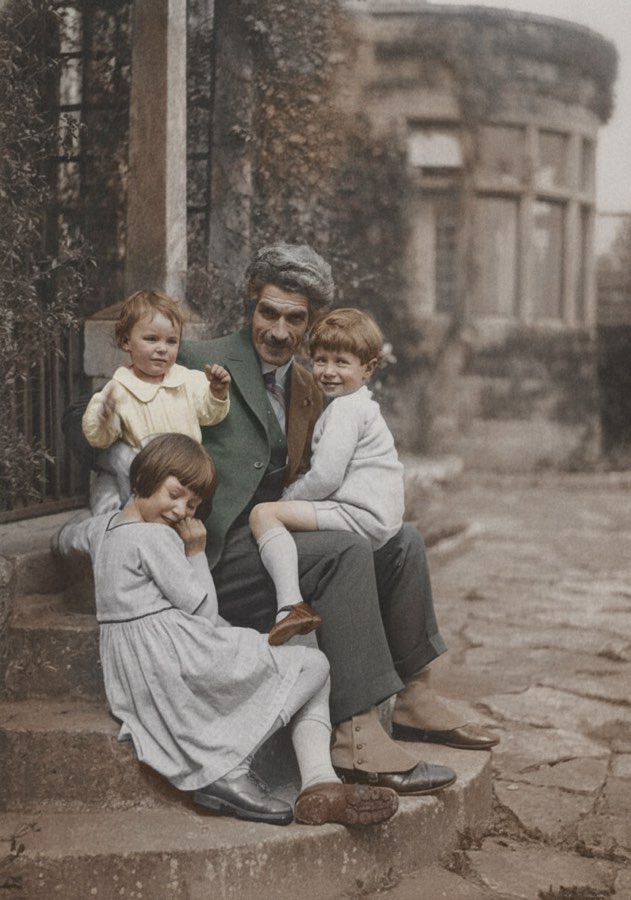
AI Photo Colorizer
Add realistic, natural color to old black-and-white photos in seconds.
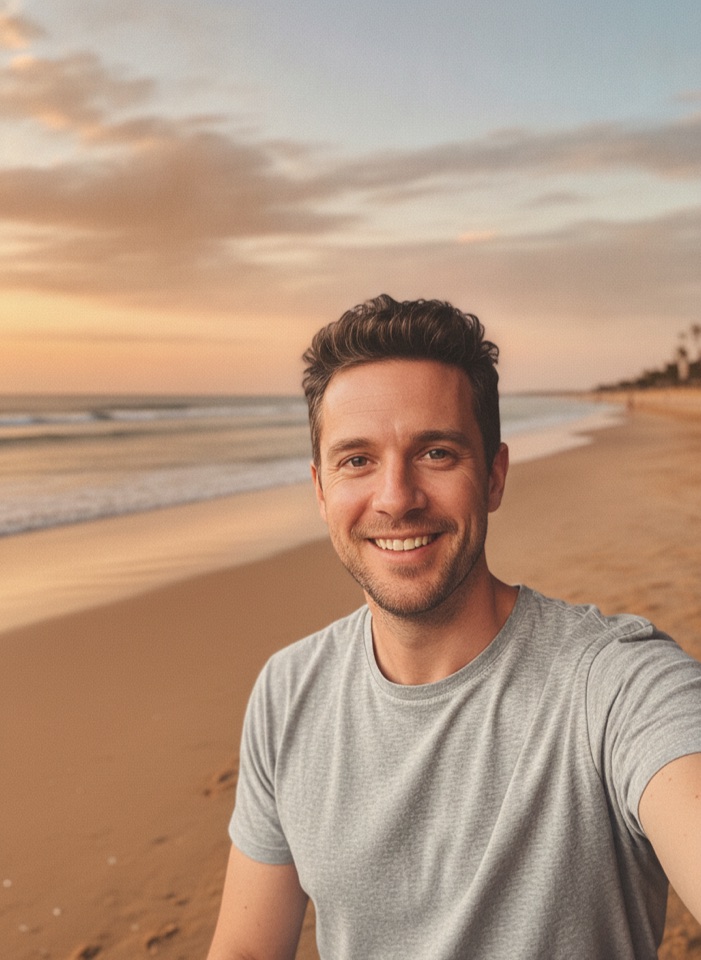
AI Background Changer
Upload a photo, pick a new background or describe your own, and the subject is kept as it is.

AI Object Remover
Type what you want gone, like a stranger or a trash can, and the AI removes it and fills in the background.

AI Clothes Changer
Upload a photo of yourself and try a new outfit. Pick a preset or describe the clothes in your own words.
Photo to Anime
Upload a photo and redraw it as anime, manga or a 3D cartoon, keeping the pose, outfit and composition of the original.
GPT Image 2
Write a prompt, add a reference photo if you want to edit one, and get a 1K image from OpenAI's GPT Image 2.
GPT Image 2.5
Write a prompt or upload a photo to edit, and get a 1K image from Sunburst, the quality version of OpenAI's GPT Image 2.5.
Nano Banana Pro
Google's Gemini 3 Pro Image for the images that matter most: more detail, readable text and steadier edits. 60 credits per image.