Nano Banana AI Photo Editor
Upload a photo, describe the change in plain words, and get the edited image in seconds.
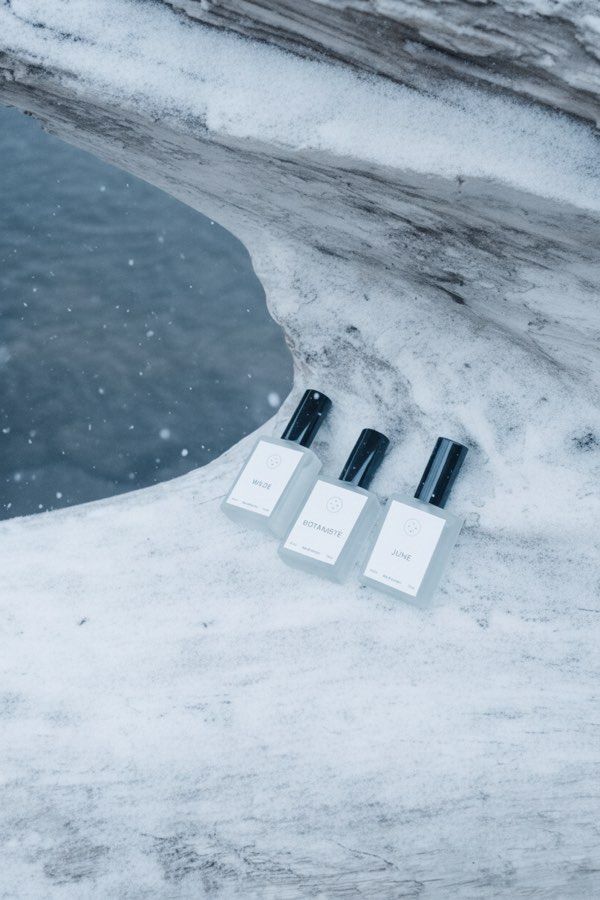
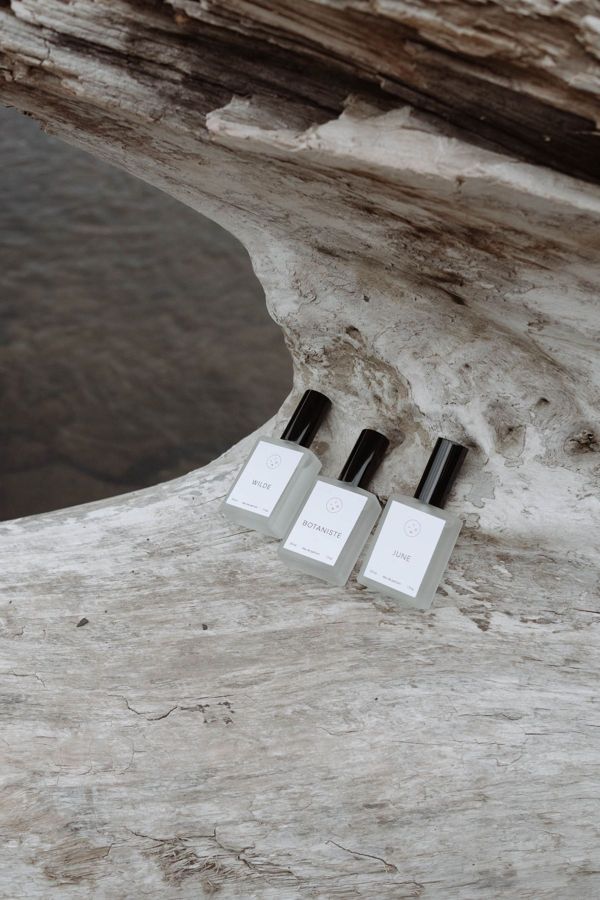 BeforeAfter
How to edit a photo with Nano Banana
- 1
Upload the photo you want to edit.
- 2
Describe the change, for example "replace the sky with a sunset".
- 3
Download the result, or upload it again for the next edit.
What is Nano Banana?
Nano Banana is the nickname of Gemini 2.5 Flash Image, Google's image generation and editing model. It became popular because it can edit a photo from a plain-language instruction while keeping the rest of the picture consistent. Here you can use it without any setup: upload a photo, type what should change, and the model edits just that. Change a background, swap the season, add or remove objects, restyle a room or try new colors, with no masks, layers or editing skills needed.
What you can do with Nano Banana
Change the background
Put a product, a room or a scene in a new setting, from a city street to a clean studio backdrop.
Add or remove objects
Clear away clutter, or add props such as plants, furniture or a cup of coffee.
Change season, weather and light
Turn summer into winter, day into night, or a gray sky into a sunset.
Restyle and recolor
Try a new color for a product, a wall or an outfit before you make it real.
Simple, credit-based pricing
Every tool runs on the same credits. One image is 30 credits, and failed generations are refunded.
Starter
For occasional photos
- About 500 images per month
- 15,000 credits
- All 7 AI image tools
- Commercial use
- Failed generations refunded
Plus
For busy shops and creators
- About 1,400 images per month
- 42,000 credits
- All 7 AI image tools
- Commercial use
- Failed generations refunded
- Priority support
Business
For teams, agencies and high volume
- About 2,800 images per month
- 84,000 credits
- All 7 AI image tools
- Commercial use
- Failed generations refunded
- Dedicated support
Monthly and yearly plans renew automatically at the end of each period until you cancel, and you can cancel anytime in Settings. Credit packs are one-time purchases that never renew; their credits last 1 year. Prices include tax.
Nano Banana FAQ
- Is this the official Nano Banana from Google?
- We are an independent service that runs Google's Nano Banana model (Gemini 2.5 Flash Image) through its API. We are not affiliated with or endorsed by Google.
- How do I write a good edit instruction?
- Say what should change and what should stay, for example: "Change the background to a snowy forest, keep the person and their clothes the same." One clear change per edit works best.
- Can I make several edits?
- Yes. Download the result, upload it again and give the next instruction. Step-by-step edits are usually more accurate than one long instruction.
- Will it keep text and logos?
- It tries to keep everything you don't mention, but small text on labels or signs can come out slightly changed. Check the details before you use the image.
- What can't I edit?
- Sexual content, real people in misleading or harmful situations, and images you don't have the rights to, such as removing someone else's watermark. Requests that break our usage policy are blocked before anything is charged.
- How much does an edit cost?
- Each edit costs 30 credits, shown on the Generate button. If a generation fails, the credits are refunded automatically.
More AI tools

AI Image Generator
Describe what you want and get a high-quality image in seconds.

AI Product Photo
Turn a simple product snapshot into a studio-quality photo for your store.

Old Photo Restoration
Remove scratches and fading, sharpen faces and add natural color to black-and-white photos.

AI Headshot Generator
Get a professional headshot for LinkedIn or your resume from one selfie. No photographer needed.

AI Hairstyle Changer
Upload a photo and see how a new haircut would look on you before you visit the salon.
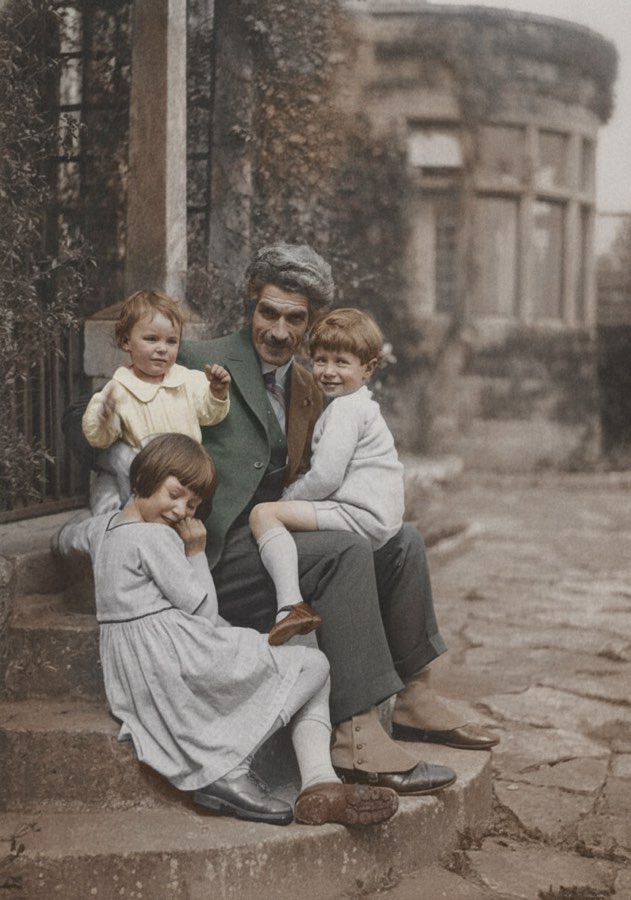
AI Photo Colorizer
Add realistic, natural color to old black-and-white photos in seconds.