AI Background Changer
Upload a photo, pick a new background or describe your own, and the subject is kept as it is.
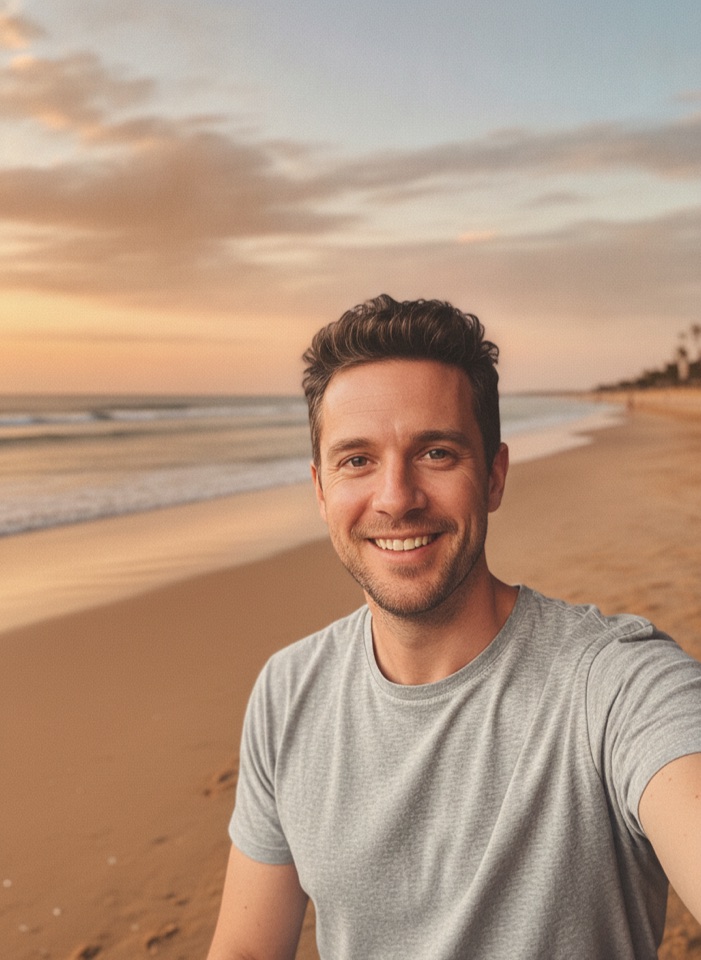
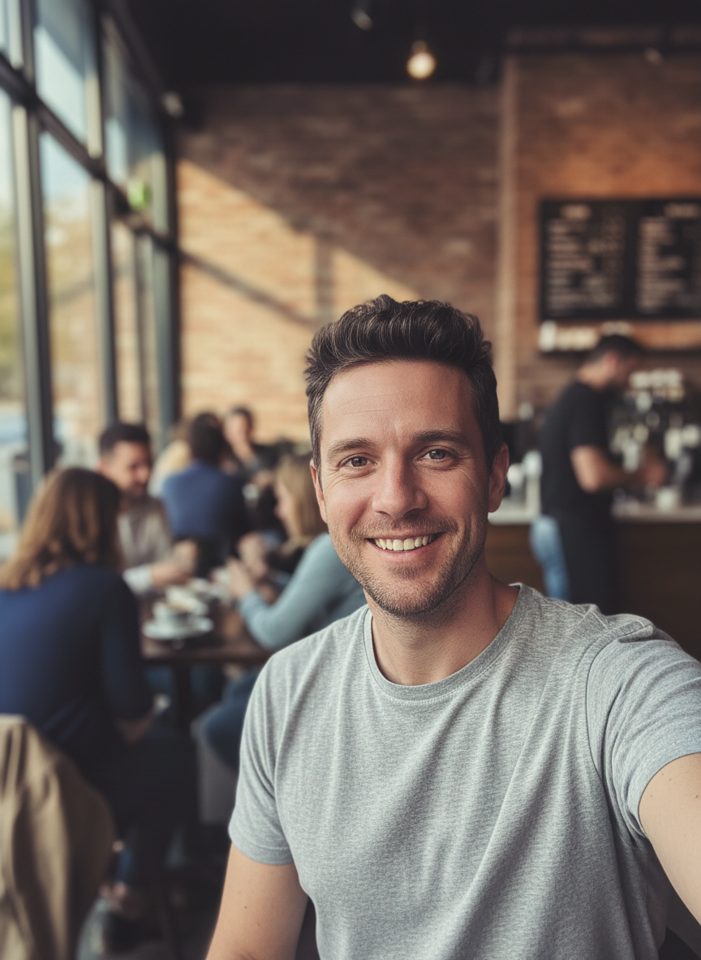 BeforeAfter
How to change a photo background with AI
- 1
Upload a clear photo of a person, a pet or a product.
- 2
Pick a background, or describe your own in the text box.
- 3
Download the new photo and check the edges and details.
Change the background, keep the subject
An AI background changer puts the subject of a photo in a new place without cutting it out by hand. Upload one photo of a person, a pet, a product or anything else, then pick a background: pure white, a soft gray studio, a modern office, a city street, a beach at golden hour or a green garden. You can also describe your own scene instead. The tool replaces only the background and is instructed to keep the subject exactly as it is, including pose, shape, colors and faces. It also relights the subject to match the new scene, so it looks like it belongs there. You get a complete photo with the new background in place. Check the edges and details before you use it.
Why use this AI background changer
Your subject stays as it is
The tool is instructed to change only the background and leave the subject alone: the same pose, shape, colors and faces. Zoom in and check the result before you publish it.
Lighting that fits the scene
The subject is relit to match the new background, so a portrait on a golden-hour beach gets warm light and a product on white gets clean, even light.
Six presets or your own idea
Choose white, gray studio, office, city street, beach or garden with one click, or type any scene you like, such as a café, a library or a snowy street.
A finished photo, ready to use
The result already has the new background in place, so you don't need to cut out the subject or work with layers. Use it in a listing, a profile or a post.
Ways to use a new background
Online sellers
Put products on a white background for marketplace main images, or in a lifestyle scene for ads and social posts, using the photos you already have.
Profile and work photos
Swap a messy room for an office or a gray studio backdrop for LinkedIn, resumes and team pages. Check that the face still looks like you.
Pet photos
Move your dog or cat from the living room floor to a beach or a garden, with its fur, markings and expression kept as close to the original as possible.
Social media and creators
Change the background of a photo taken in a dull spot to a city street, a beach or a scene you describe, for posts, stories and video thumbnails.
Tips for changing a photo background
Use a sharp photo where the whole subject is visible and not cut off at the edges. Hair, fur and fine details come out better when they are in focus.
Pick a background that suits the original angle and light. A person photographed outdoors in daylight usually looks more natural on a beach or a street than in a dim studio.
When you describe your own background, name the place, the time of day and the light, for example “a quiet library with warm afternoon light,” not just “a library.”
For marketplace images on a white background, shoot the product straight on in even light. For styled product scenes like marble or a kitchen counter, try AI Product Photo.
Simple, credit-based pricing
Every tool runs on the same credits. One image is 30 credits, and failed generations are refunded.
Starter
For occasional photos
- About 75 images per month
- 2,250 credits
- All 15 AI image tools
- Commercial use
- Failed generations refunded
Plus
For busy shops and creators
- About 150 images per month
- 4,500 credits
- All 15 AI image tools
- Commercial use
- Failed generations refunded
- Priority support
Business
For teams, agencies and high volume
- About 300 images per month
- 9,000 credits
- All 15 AI image tools
- Commercial use
- Failed generations refunded
- Dedicated support
Monthly and yearly plans renew automatically at the end of each period until you cancel, and you can cancel anytime in Settings. Credit packs are one-time purchases that never renew; their credits last 1 year. Prices include tax.
AI background changer FAQ
- Will the AI change my face or my product?
- The tool is instructed to keep the subject exactly as it is, including pose, shape, colors and faces, and to change only the background and the lighting. AI can still alter small details, so check the result before you use it.
- Can I get the subject on its own, with no background?
- No. This tool always returns a complete photo with a new background in place. If you want a clean, plain look, choose the White option to put your subject on a pure white background.
- Can I describe my own background?
- Yes. Type a description in the “Your own background” box, such as “a cozy café with warm string lights.” When the box has text, it replaces the preset you selected. Leave it empty to use the preset.
- What kind of photo works best?
- A sharp, well-lit photo with one clear subject that is fully in the frame. Busy scenes with many overlapping people or objects are harder, and the edges of hair and fur are worth a closer look.
- Can I make more changes to the result?
- Yes. Upload the result here again to try another background, or open it in the Nano Banana AI Photo Editor for other edits, such as adding props or changing colors. Each new generation costs 30 credits.
- How much does it cost to change a background?
- Each image costs 30 credits, shown on the Generate button. If a generation fails, the credits are refunded automatically. Every result is saved in My Images, so you can download it again later.
- Can I use the images commercially?
- Yes, you can use the results commercially, subject to our terms, for example in store listings, ads or a company website. Check each marketplace's image rules, such as a white background for main images.
- Are my photos private?
- Your uploads are only used to create your result. Uploaded originals are deleted from the processing service within 24 hours. Prompts and images are moderated, and photos of people need consent from everyone in them.
More AI tools

AI Image Generator
Describe what you want and get a high-quality image in seconds.

AI Product Photo
Turn a simple product snapshot into a studio-quality photo for your store.

Old Photo Restoration
Remove scratches and fading, sharpen faces and add natural color to black-and-white photos.

AI Headshot Generator
Get a professional headshot for LinkedIn or your resume from one selfie. No photographer needed.
Nano Banana AI Photo Editor
Upload a photo, describe the change in plain words, and get the edited image in seconds.
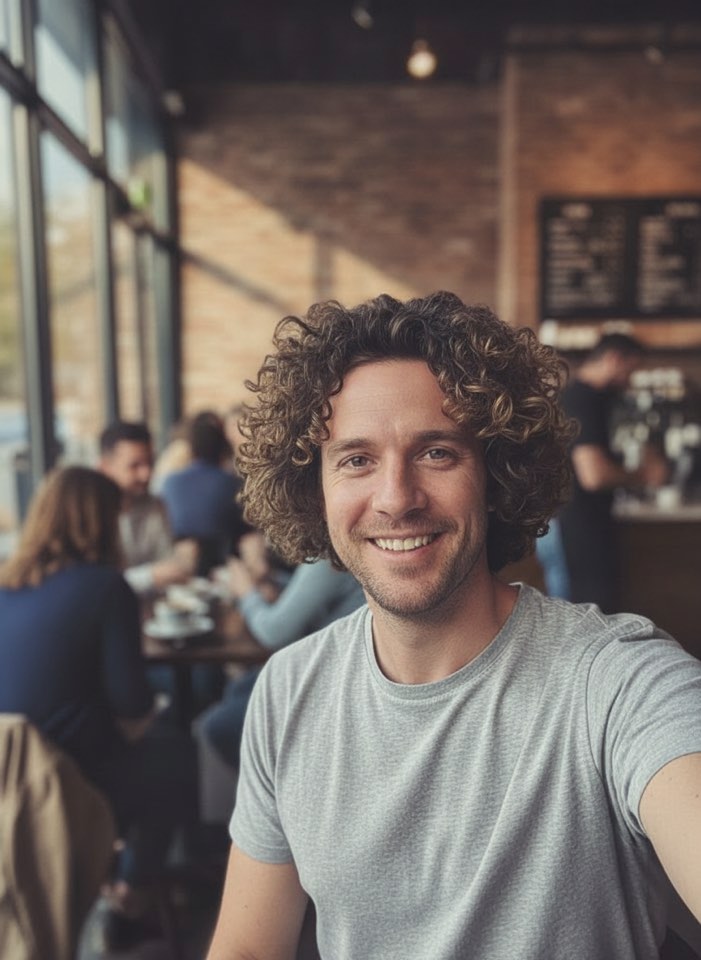
AI Hairstyle Changer
Upload a photo and see how a new haircut would look on you before you visit the salon.
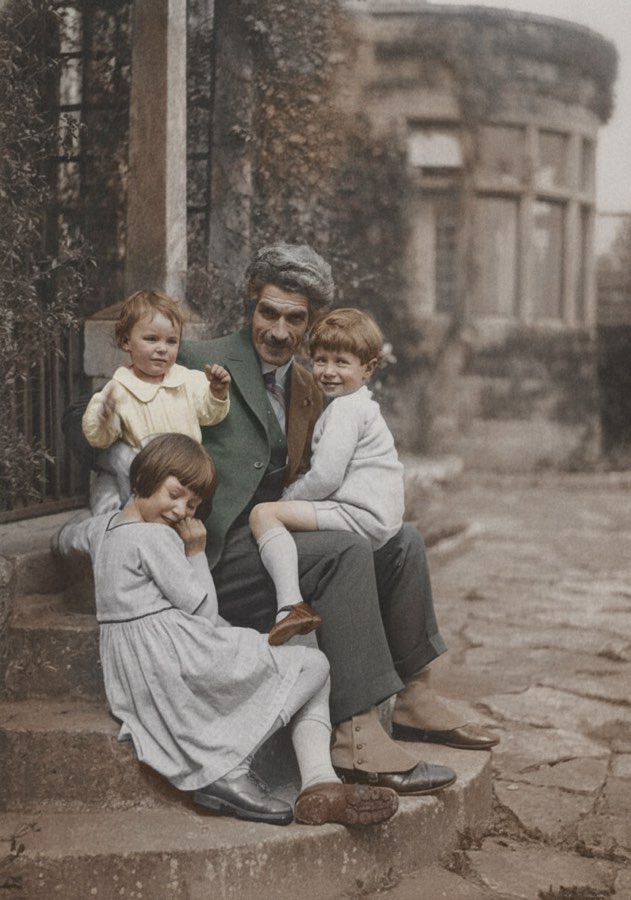
AI Photo Colorizer
Add realistic, natural color to old black-and-white photos in seconds.
AI Object Remover
Type what you want gone, like a stranger or a trash can, and the AI removes it and fills in the background.
AI Clothes Changer
Upload a photo of yourself and try a new outfit. Pick a preset or describe the clothes in your own words.
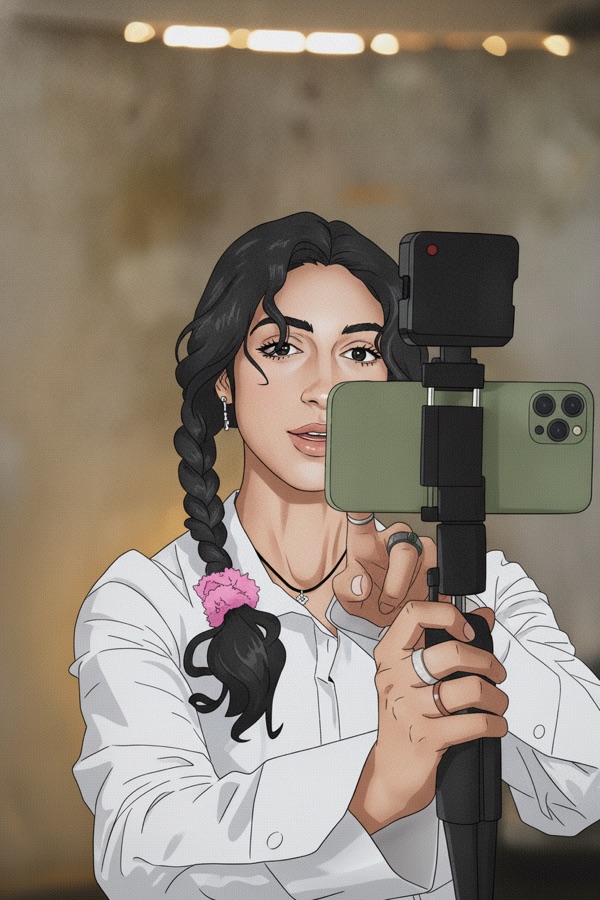
Photo to Anime
Upload a photo and redraw it as anime, manga or a 3D cartoon, keeping the pose, outfit and composition of the original.
GPT Image 2
Write a prompt, add a reference photo if you want to edit one, and get a 1K image from OpenAI's GPT Image 2.
GPT Image 2.5
Write a prompt or upload a photo to edit, and get a 1K image from Sunburst, the quality version of OpenAI's GPT Image 2.5.
Nano Banana 2
Google's fast Gemini 3.1 Flash Image model. Write a prompt, add a reference photo if you like, and get a new image at 30 credits.
Nano Banana Pro
Google's Gemini 3 Pro Image for the images that matter most: more detail, readable text and steadier edits. 60 credits per image.