AI Clothes Changer
Upload a photo of yourself and try a new outfit. Pick a preset or describe the clothes in your own words.
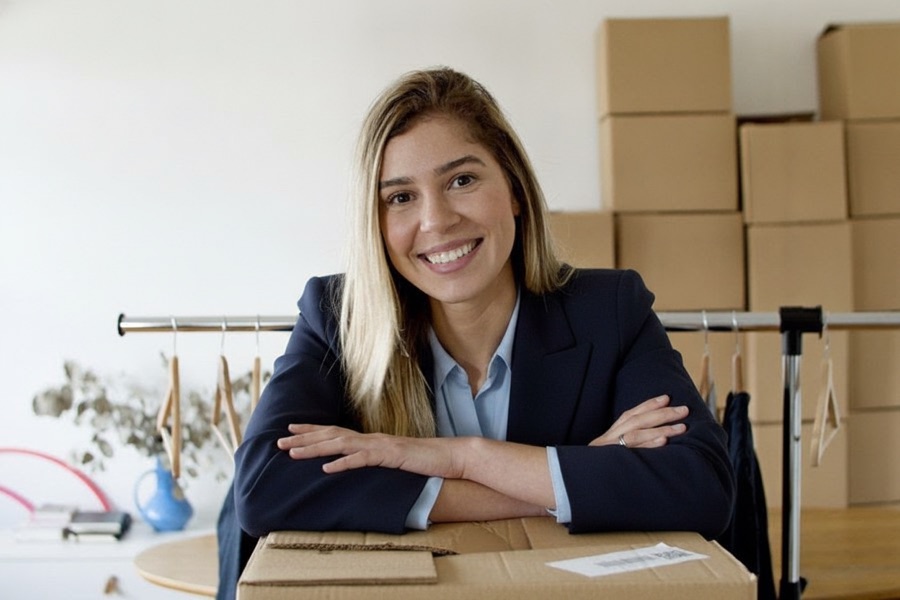
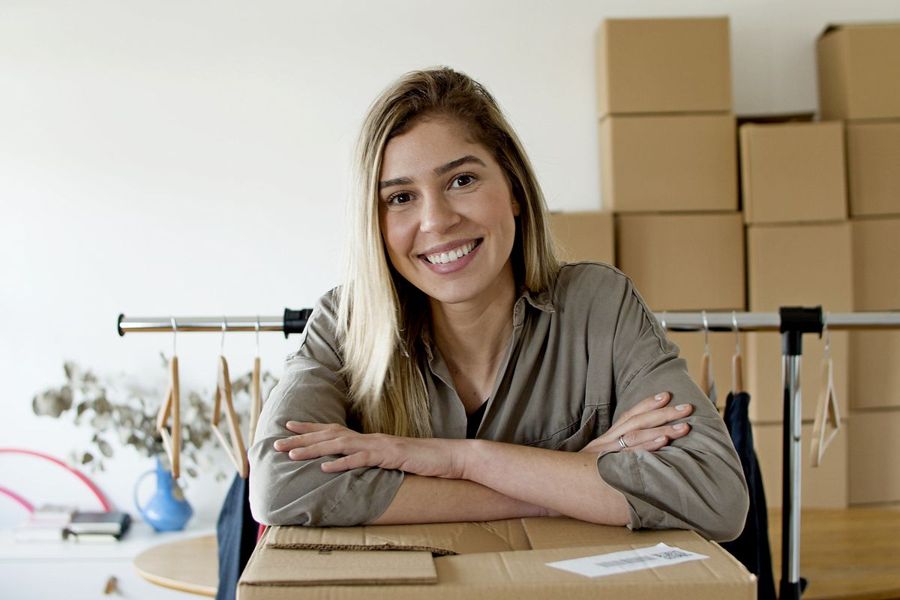 BeforeAfter
How to change clothes in a photo with AI
- 1
Upload a clear photo of yourself that shows your upper body or full body.
- 2
Pick an outfit preset, or describe your own outfit in the text box.
- 3
Check the result and download it, or try another outfit.
Try on outfits without changing clothes
This AI clothes changer shows you in a different outfit using a single photo. Upload a picture of yourself, then pick a preset: a tailored business suit, a T-shirt and jeans, evening wear, streetwear, athletic wear or a warm winter coat. You can also describe an outfit in your own words, like “a navy linen shirt with beige chinos”. The tool is instructed to change only the clothing and keep your face, hairstyle, body shape, pose and background as they are, so you judge the outfit on you, not on a model. It works from presets and written descriptions, not from a photo of a garment, so use it to explore styles and colors rather than to try on an exact product.
What this AI outfit changer does well
Only the outfit changes
The tool is instructed to keep your face, hairstyle, body shape, pose and background unchanged, so the photo still shows you in the same place.
Six presets or your own words
Start from a suit, casual, evening, streetwear, sporty or winter look, or type any outfit with the colors, fabrics and details you want to see.
Fits your pose and lighting
New clothes are drawn to follow your pose and the light in your original photo, so folds and shadows usually look natural rather than pasted on.
Pairs with other tools
Combine it with the AI Hairstyle Changer to try a whole new look, or use the AI Headshot Generator when you need a polished photo for work.
When to try on outfits with AI
Plan what to wear
Before an interview, a wedding or a night out, see whether a suit, evening wear or something more relaxed suits you better.
Profile and social photos
Turn a casual snapshot into a smarter look for a profile picture, or try a seasonal outfit for a post without a new photo shoot.
Explore a new style
Curious about streetwear or athletic wear but not sure it fits you? Try the look on your own photo before you spend money on new clothes.
Content and creative projects
Show yourself in several different outfits for a blog post, a video thumbnail or a mood board, all made from one photo you already have.
Tips for a better outfit change
Use a photo where the clothes you want to replace are fully visible. An upper-body or full-body shot works better than a tight crop of your face.
Choose a simple pose with your arms away from your body. Crossed arms, bags or other people in front of you make the outfit harder to redraw.
When you describe an outfit, name the garment, color and fabric, for example “a charcoal wool overcoat over a white turtleneck”. Specific words give more predictable results.
Change one thing at a time. If the result is close but not quite right, adjust a single detail in your description, such as the color or sleeve length, and generate again.
Simple, credit-based pricing
Every tool runs on the same credits. One image is 30 credits, and failed generations are refunded.
Starter
For occasional photos
- About 75 images per month
- 2,250 credits
- All 15 AI image tools
- Commercial use
- Failed generations refunded
Plus
For busy shops and creators
- About 150 images per month
- 4,500 credits
- All 15 AI image tools
- Commercial use
- Failed generations refunded
- Priority support
Business
For teams, agencies and high volume
- About 300 images per month
- 9,000 credits
- All 15 AI image tools
- Commercial use
- Failed generations refunded
- Dedicated support
Monthly and yearly plans renew automatically at the end of each period until you cancel, and you can cancel anytime in Settings. Credit packs are one-time purchases that never renew; their credits last 1 year. Prices include tax.
AI clothes changer FAQ
- What photo works best?
- A sharp, well-lit photo of one person that shows at least the upper body, with the current clothes clearly visible and nothing covering them. A plain or tidy background also helps.
- Will it change my face or body?
- It doesn't swap faces. The tool is instructed to change only the clothing and keep your face, hairstyle, body shape, pose and background. Small details can still shift, so check the result and try again if something looks off.
- Can I try on a specific item from a store?
- No. The tool doesn't accept a photo of a garment, so it can't show an exact product on you. It creates an outfit from a preset or your written description, which works well for exploring a style or color.
- How do I describe my own outfit?
- Type it in the “Your own outfit” box, for example “a cream knit sweater with dark jeans”. Your description replaces the selected preset. Leave the box empty to use the preset instead.
- Can I change clothes in someone else's photo?
- Only change clothes in photos of yourself or of people who have agreed to it. Before you upload, you confirm that the photo is of you or that you have permission from everyone in it.
- Are there outfits it won't make?
- Yes. Outfits are always fully covering and non-revealing. The tool won't remove clothing or make it sheer, tight or sexualized, and prompts and images are moderated to enforce this rule.
- How much does an outfit change cost?
- Each outfit change costs 30 credits, shown on the Generate button. If a generation fails, your credits are refunded automatically. Every result is saved in My Images.
- What happens to my photo, and can I use the result?
- Your original is deleted from the processing service within 24 hours. Images are made with Google's Nano Banana model (Gemini 2.5 Flash Image), and you can use your results commercially, subject to our terms.
More AI tools

AI Image Generator
Describe what you want and get a high-quality image in seconds.

AI Product Photo
Turn a simple product snapshot into a studio-quality photo for your store.

Old Photo Restoration
Remove scratches and fading, sharpen faces and add natural color to black-and-white photos.

AI Headshot Generator
Get a professional headshot for LinkedIn or your resume from one selfie. No photographer needed.
Nano Banana AI Photo Editor
Upload a photo, describe the change in plain words, and get the edited image in seconds.
AI Hairstyle Changer
Upload a photo and see how a new haircut would look on you before you visit the salon.
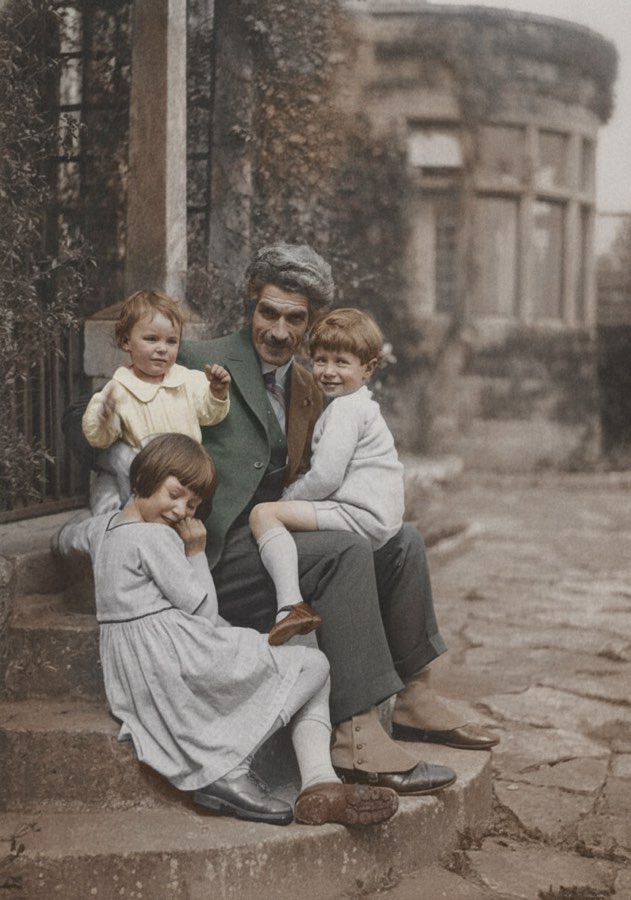
AI Photo Colorizer
Add realistic, natural color to old black-and-white photos in seconds.
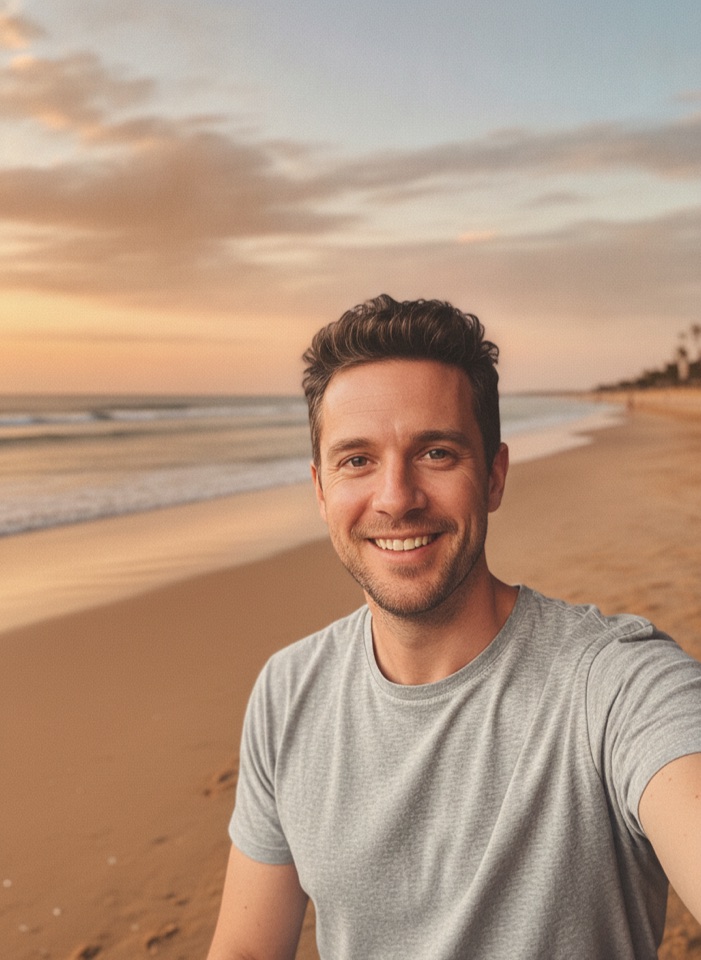
AI Background Changer
Upload a photo, pick a new background or describe your own, and the subject is kept as it is.
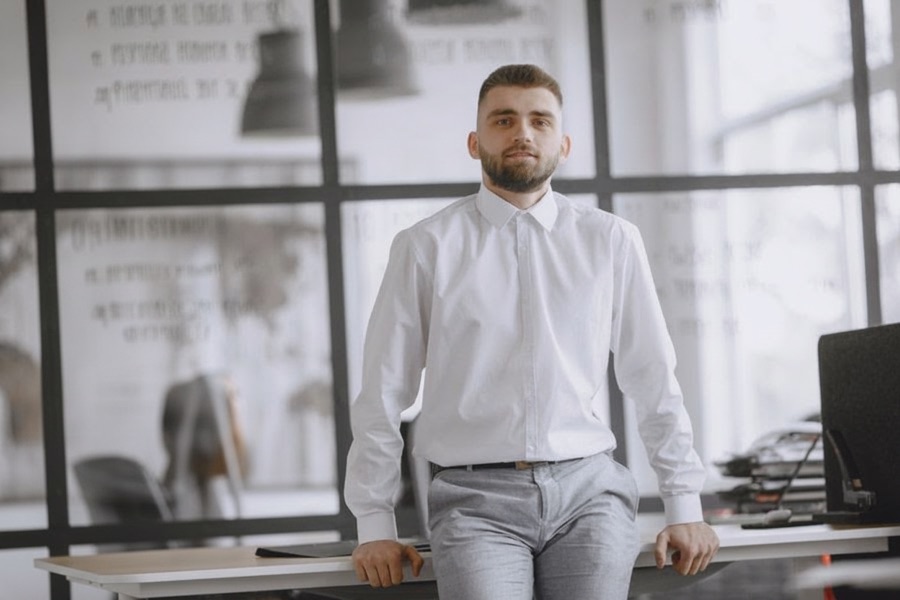
AI Object Remover
Type what you want gone, like a stranger or a trash can, and the AI removes it and fills in the background.
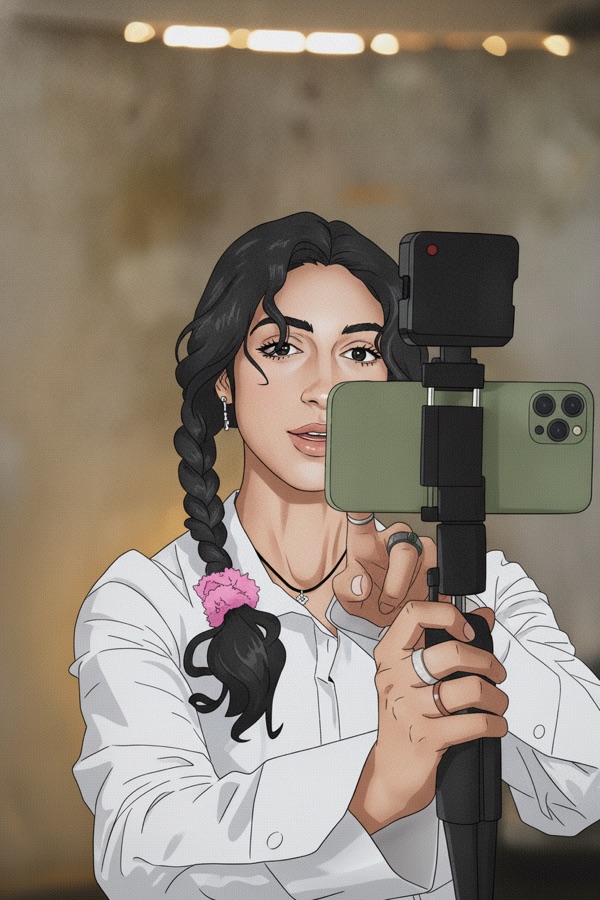
Photo to Anime
Upload a photo and redraw it as anime, manga or a 3D cartoon, keeping the pose, outfit and composition of the original.
GPT Image 2
Write a prompt, add a reference photo if you want to edit one, and get a 1K image from OpenAI's GPT Image 2.
GPT Image 2.5
Write a prompt or upload a photo to edit, and get a 1K image from Sunburst, the quality version of OpenAI's GPT Image 2.5.
Nano Banana 2
Google's fast Gemini 3.1 Flash Image model. Write a prompt, add a reference photo if you like, and get a new image at 30 credits.
Nano Banana Pro
Google's Gemini 3 Pro Image for the images that matter most: more detail, readable text and steadier edits. 60 credits per image.