AI Image Generator
Describe what you want and get a high-quality image in seconds.

How to generate an image from text
- 1
Describe the image you want in plain words.
- 2
Choose an aspect ratio and click Generate.
- 3
Download your image or find it later in My Images.
What is an AI image generator?
An AI image generator turns a written description into a picture. You describe the subject, the setting, the lighting and the style, and the model draws a new image to match. Ours runs Google's Nano Banana model (Gemini 2.5 Flash Image), which follows detailed instructions well and renders realistic light and textures. Use it for social media and blog visuals, product concepts, mood boards, illustrations and ad creatives. Every image is saved in My Images, so you can download it again later.
What people make with the AI image generator
Social media posts
Create eye-catching visuals for Instagram, TikTok covers and Pinterest pins without digging through stock photo sites.
Blog and article images
Illustrate a post with an image that fits the topic exactly, instead of a generic stock photo.
Ads and marketing creatives
Try several visual ideas for a campaign in minutes before you commit to a photo shoot.
Concept art and mood boards
Explore styles, scenes and color palettes for a project, a room or a brand.
Simple, credit-based pricing
Every tool runs on the same credits. One image is 30 credits, and failed generations are refunded.
Starter
For occasional photos
- About 500 images per month
- 15,000 credits
- All 7 AI image tools
- Commercial use
- Failed generations refunded
Plus
For busy shops and creators
- About 1,400 images per month
- 42,000 credits
- All 7 AI image tools
- Commercial use
- Failed generations refunded
- Priority support
Business
For teams, agencies and high volume
- About 2,800 images per month
- 84,000 credits
- All 7 AI image tools
- Commercial use
- Failed generations refunded
- Dedicated support
Monthly and yearly plans renew automatically at the end of each period until you cancel, and you can cancel anytime in Settings. Credit packs are one-time purchases that never renew; their credits last 1 year. Prices include tax.
AI image generator FAQ
- How do I write a good prompt?
- Describe the subject, the setting, the lighting and the style. Specific details like "golden hour", "watercolor" or "close-up" give better results.
- Can I use the images commercially?
- Yes, images you generate are yours to use, including for commercial projects, subject to our terms of service.
- How many credits does one image cost?
- The cost is shown on the Generate button. If a generation fails, the credits are refunded automatically.
- Which AI model do you use?
- Google's Nano Banana (Gemini 2.5 Flash Image), through its API. We are an independent service and are not affiliated with Google or OpenAI.
- Which aspect ratios can I choose?
- Square (1:1), portrait (3:4 and 9:16) and landscape (4:3 and 16:9), so you can match feeds, stories, banners and prints.
- What can't I generate?
- Sexual content, real people in misleading or harmful situations, hateful or violent imagery, and anything illegal. Prompts are checked before generation, and blocked requests are never charged. See our usage policy for details.
More AI tools

AI Product Photo
Turn a simple product snapshot into a studio-quality photo for your store.

Old Photo Restoration
Remove scratches and fading, sharpen faces and add natural color to black-and-white photos.

AI Headshot Generator
Get a professional headshot for LinkedIn or your resume from one selfie. No photographer needed.
Nano Banana AI Photo Editor
Upload a photo, describe the change in plain words, and get the edited image in seconds.
AI Hairstyle Changer
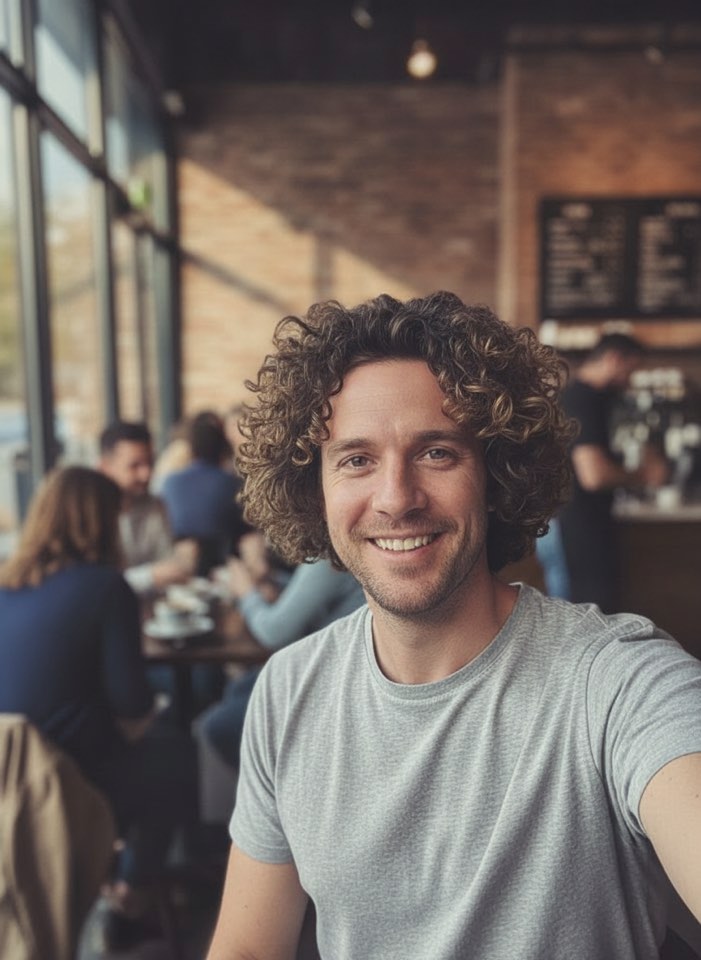
Upload a photo and see how a new haircut would look on you before you visit the salon.
AI Photo Colorizer
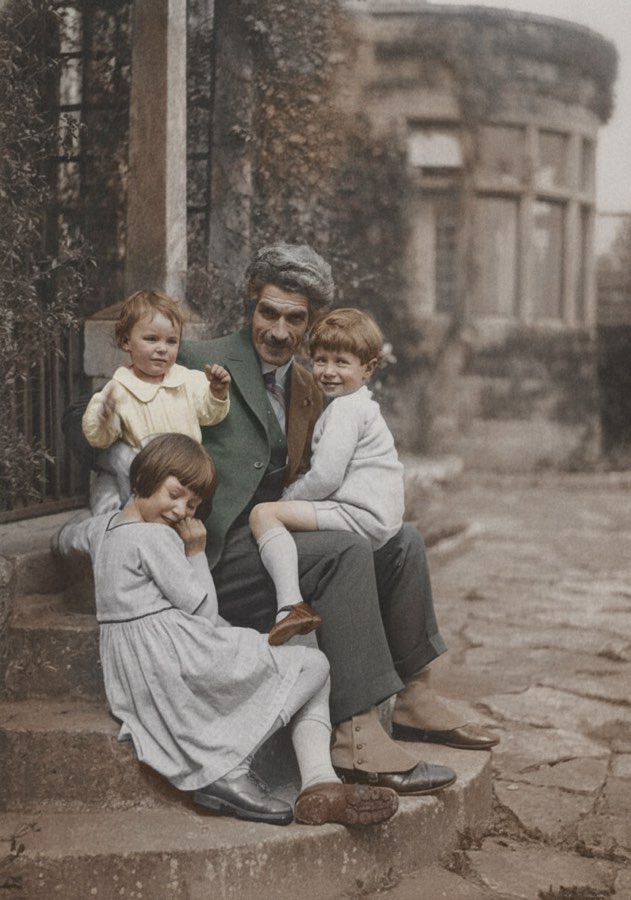
Add realistic, natural color to old black-and-white photos in seconds.