Restore Old Photos with AI
Remove scratches and fading, sharpen faces and add natural color to black-and-white photos.

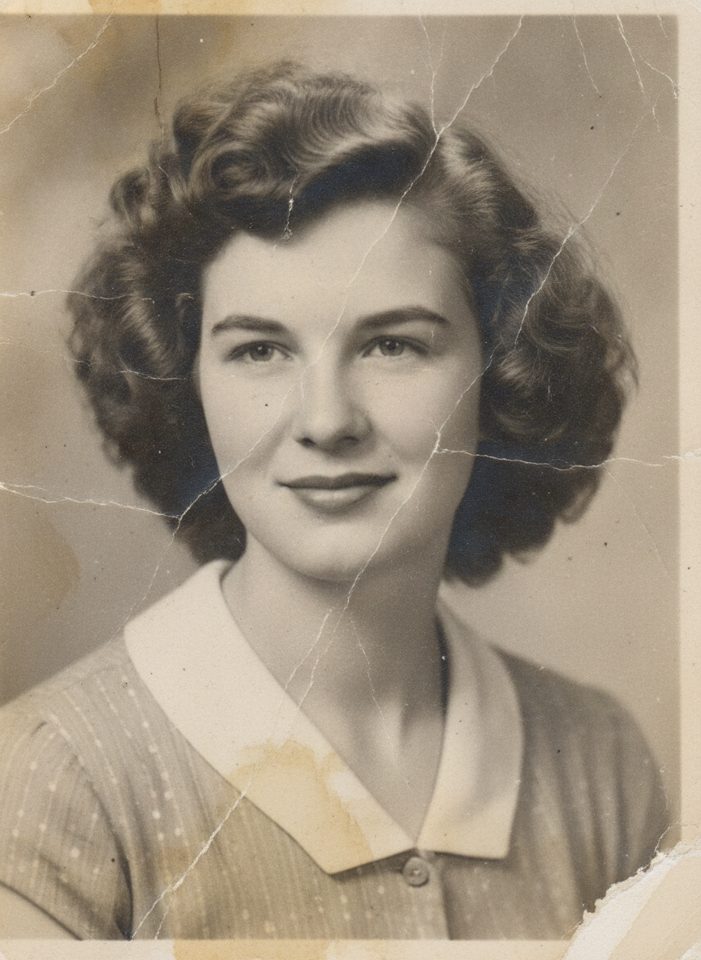 BeforeAfter
How to restore an old photo
- 1
Scan or photograph your old picture and upload it.
- 2
Choose restore, colorize, or both.
- 3
Download the restored photo to share or print.
Bring old family photos back to life
Old prints fade, crack and collect scratches, and a careful manual restoration can take hours. Scan the photo or take a sharp picture of it with your phone, upload it, and the AI removes scratches, dust, stains and small tears, fixes fading and sharpens faces. You can keep the original black and white, add natural color, or do both in one step. The tool is told to preserve every person's features, so the restored photo still looks like the people you remember. It is a quick way to save family albums, wedding photos and portraits before they fade further.
Ways to use restored photos
Family albums
Digitize and repair a whole album so everyone in the family can keep a clear copy.
Gifts and prints
Print a restored portrait for an anniversary, a birthday or a memorial.
Family history research
Make faces and details easier to see when you document your family tree.
Sharing online
Post sharper, cleaner versions of old photos on social media and in family groups.
Simple, credit-based pricing
Every tool runs on the same credits. One image is 30 credits, and failed generations are refunded.
Starter
For occasional photos
- About 500 images per month
- 15,000 credits
- All 7 AI image tools
- Commercial use
- Failed generations refunded
Plus
For busy shops and creators
- About 1,400 images per month
- 42,000 credits
- All 7 AI image tools
- Commercial use
- Failed generations refunded
- Priority support
Business
For teams, agencies and high volume
- About 2,800 images per month
- 84,000 credits
- All 7 AI image tools
- Commercial use
- Failed generations refunded
- Dedicated support
Monthly and yearly plans renew automatically at the end of each period until you cancel, and you can cancel anytime in Settings. Credit packs are one-time purchases that never renew; their credits last 1 year. Prices include tax.
Old photo restoration FAQ
- What kind of damage can it fix?
- Scratches, dust, small tears, stains, fading and blur. Heavily missing areas are reconstructed by the AI, so check faces and details carefully.
- How accurate are the colors?
- The AI picks realistic, natural colors, but it can't know the original ones. Results are a plausible interpretation, not a historical record.
- Are my photos private?
- Your uploads are only used to create your result. Uploaded originals are deleted from the processing service within 24 hours.
- How should I scan my photo?
- Scan at 600 dpi or higher if you can. With a phone, shoot in even daylight, hold the camera parallel to the print and avoid glare.
- Can it restore photos with several people?
- Yes. Group photos work, but very small faces have less detail to work with, so check each face in the result.
- Should I use this or the AI Photo Colorizer?
- Use this tool for damaged photos: it repairs scratches, tears and fading, and can add color too. If the photo is in good condition and only needs color, the AI Photo Colorizer is the simpler choice.
More AI tools

AI Image Generator
Describe what you want and get a high-quality image in seconds.

AI Product Photo
Turn a simple product snapshot into a studio-quality photo for your store.

AI Headshot Generator
Get a professional headshot for LinkedIn or your resume from one selfie. No photographer needed.
Nano Banana AI Photo Editor
Upload a photo, describe the change in plain words, and get the edited image in seconds.

AI Hairstyle Changer
Upload a photo and see how a new haircut would look on you before you visit the salon.
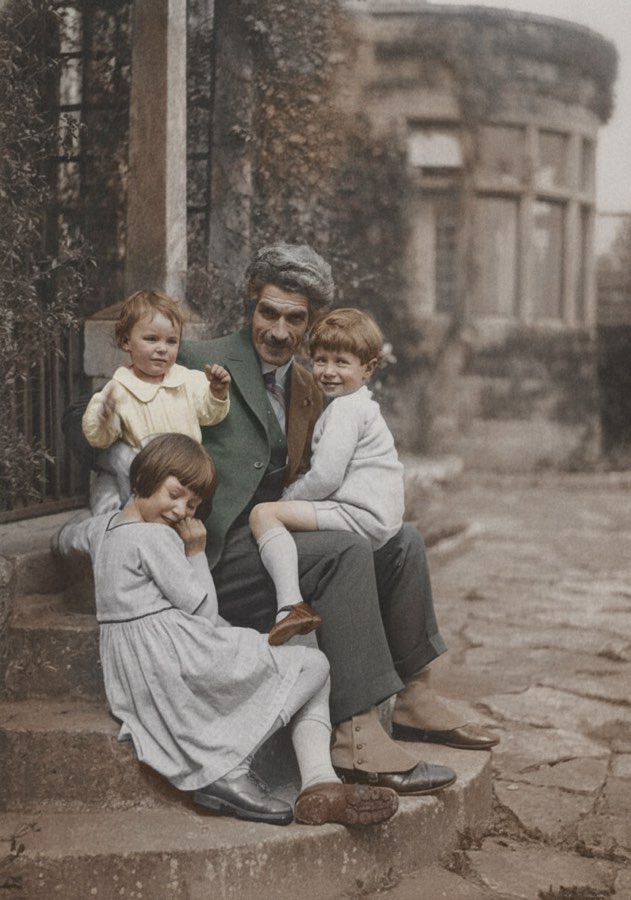
AI Photo Colorizer
Add realistic, natural color to old black-and-white photos in seconds.