AI Headshot Generator
Get a professional headshot for LinkedIn or your resume from one selfie. No photographer needed.

 BeforeAfter
How to make a professional headshot
- 1
Upload a clear, front-facing photo of yourself.
- 2
Pick a style: corporate, smart casual or studio.
- 3
Download your headshot and use it anywhere.
A professional headshot from one selfie
Recruiters and clients often see your photo before they meet you, but a studio session costs time and money. Upload one clear photo of yourself and choose a corporate, smart casual or studio look. The AI keeps your face, skin tone, hairstyle and expression, and changes the outfit, background and lighting to give you a polished head-and-shoulders portrait. It works well for LinkedIn, resumes, team pages, speaker profiles and email signatures. For privacy and consent reasons, headshots can only be made from a photo of yourself.
Where to use your AI headshot
LinkedIn profile
A professional photo makes your profile look complete and trustworthy to recruiters.
Resumes and applications
Add a clean, well-lit portrait to your CV where a photo is expected.
Company team pages
Each team member can make a headshot in the same style for a consistent team page.
Speaker bios and avatars
Use it for conference profiles, author bios, and Zoom or Slack avatars.
Simple, credit-based pricing
Every tool runs on the same credits. One image is 30 credits, and failed generations are refunded.
Starter
For occasional photos
- About 500 images per month
- 15,000 credits
- All 7 AI image tools
- Commercial use
- Failed generations refunded
Plus
For busy shops and creators
- About 1,400 images per month
- 42,000 credits
- All 7 AI image tools
- Commercial use
- Failed generations refunded
- Priority support
Business
For teams, agencies and high volume
- About 2,800 images per month
- 84,000 credits
- All 7 AI image tools
- Commercial use
- Failed generations refunded
- Dedicated support
Monthly and yearly plans renew automatically at the end of each period until you cancel, and you can cancel anytime in Settings. Credit packs are one-time purchases that never renew; their credits last 1 year. Prices include tax.
AI headshot FAQ
- What photo should I upload?
- A sharp photo facing the camera with good lighting, no sunglasses, and only you in the frame gives the best likeness.
- Will it still look like me?
- The tool is instructed to keep your face, skin tone and hairstyle. If a result doesn't look right, try another photo or style.
- Can I use it on LinkedIn?
- Yes, the headshots are made for LinkedIn profiles, resumes, team pages and social media.
- Can I make a headshot of someone else?
- No. Headshots can only be made from a photo of yourself. Making realistic portraits of other people without their permission is against our usage policy.
- Which style should I choose?
- Corporate suits finance, law and consulting. Smart casual fits tech, creative and startup roles. Studio gives a clean, neutral backdrop that works almost anywhere.
- Which sizes are available?
- Portrait 3:4, which suits resumes and team pages, and square 1:1, which suits LinkedIn and most avatars.
More AI tools

AI Image Generator
Describe what you want and get a high-quality image in seconds.

AI Product Photo
Turn a simple product snapshot into a studio-quality photo for your store.

Old Photo Restoration
Remove scratches and fading, sharpen faces and add natural color to black-and-white photos.
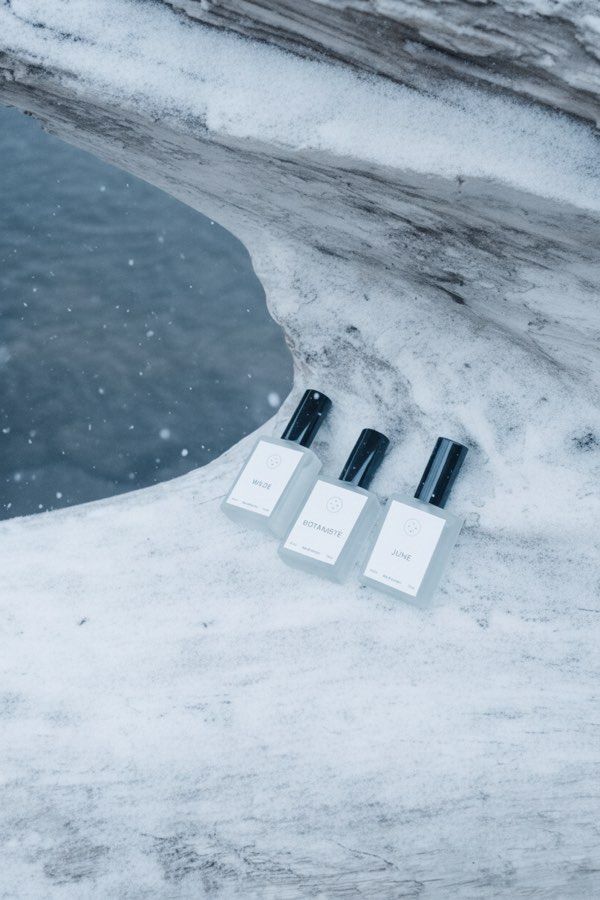
Nano Banana AI Photo Editor
Upload a photo, describe the change in plain words, and get the edited image in seconds.

AI Hairstyle Changer
Upload a photo and see how a new haircut would look on you before you visit the salon.
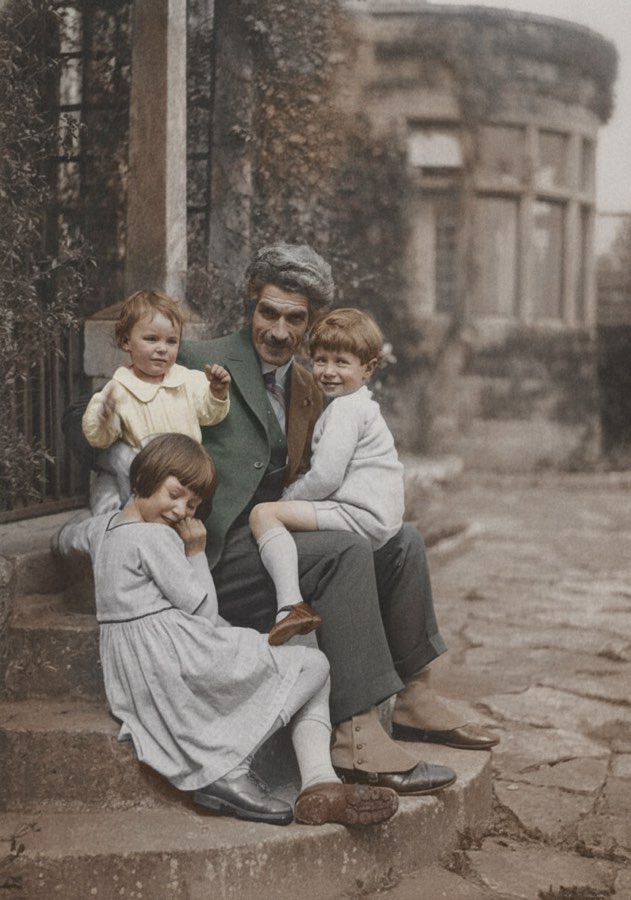
AI Photo Colorizer
Add realistic, natural color to old black-and-white photos in seconds.