AI Poster Maker
Describe what the poster is for, add your headline, and get a finished design to share or print.
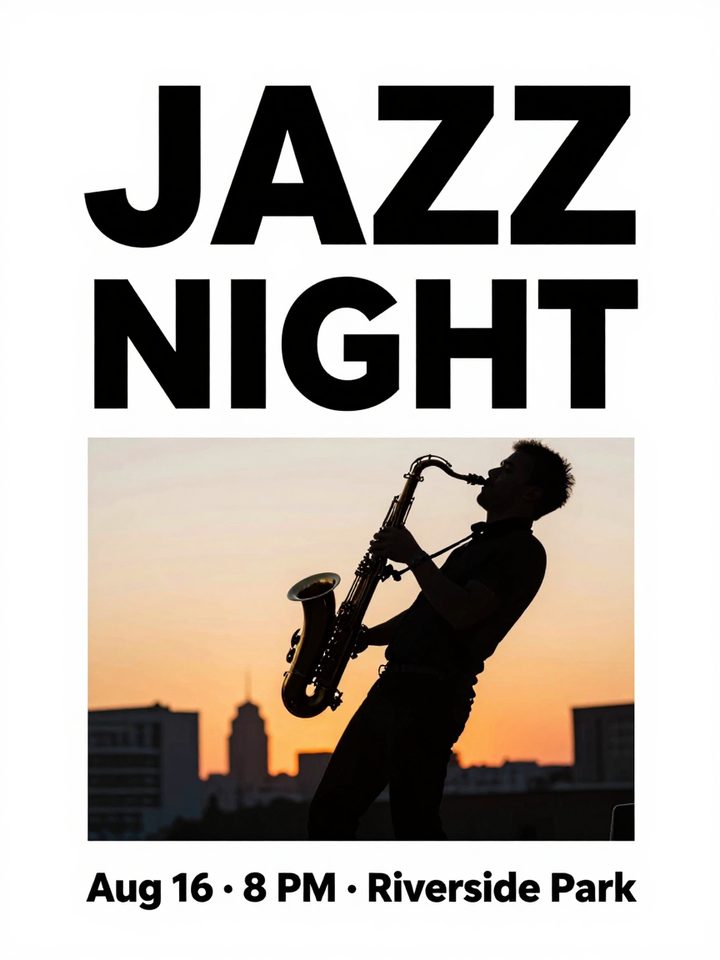
How to make a poster with AI
- 1
Describe what the poster is for and type the headline.
- 2
Pick a style and an aspect ratio, then click Generate.
- 3
Download the poster or find it later in My Images.
What is an AI poster maker?
An AI poster maker designs a complete poster from a short description. Tell it what the poster is for, the headline and one or two details, and it chooses the imagery, colors and layout, with your headline drawn into the design. Pick modern, vintage, festival or minimal to set the look, and choose a portrait, square or landscape frame for print, social posts or screens. It suits event announcements, shop sales, club notices and social media posts. Short headlines come out best. Check every word in the result, and add long details such as addresses or schedules in a design tool afterward. Each poster is a 1K image saved in My Images.
What this AI poster maker does well
Headline and image in one design
Your headline is drawn as part of the poster, with a size and position that fit the artwork, so you don't have to place text over a stock photo yourself.
Four styles for different occasions
Modern uses bold shapes and clean type, vintage adds retro colors and paper texture, festival brings bright celebratory colors, and minimal keeps plenty of white space.
Five aspect ratios
Choose 3:4 for printed posters, 9:16 for phone stories, 1:1 for social feeds, and 4:3 or 16:9 for screens, slides and website banners.
Reads what the poster is for
Say it's a bake sale, a product launch or a yoga class, and the AI picks imagery and a mood to match instead of dropping in a generic background.
What people make with the AI poster maker
Events and parties
Announce a concert, workshop, birthday party or meetup with a poster that sets the mood, then share it in group chats and on social media.
Shop promotions
Promote a seasonal sale, a new menu or an opening day with a poster for your shop window, a counter screen or your social accounts.
School and club notices
Make sign-up posters for clubs, classes, fundraisers and community events that stand out on a notice board, in a newsletter or in a group chat.
Social media announcements
Turn launches, giveaways and milestones into a 1:1 or 9:16 poster that is ready to post, without opening a design app or hunting for templates.
Tips for better AI poster design
Keep the headline to about two to six words and put it in quotes. Short text is drawn far more reliably than a full sentence.
Give one or two key details, such as the date and time, and leave the rest out. Add addresses, prices and fine print in a design tool afterward.
Describe the main image you want, for example “a saxophone under a starry sky”. A clear subject gives the poster a focal point instead of busy decoration.
Mention colors that match your brand or the season, such as “navy and gold” or “red and green for Christmas”, so the poster fits with your other materials.
Simple, credit-based pricing
Every tool runs on the same credits. One image is 30 credits, and failed generations are refunded.
Starter
For occasional photos
- About 75 images per month
- 2,250 credits
- All 34 AI image tools
- Commercial use
- Failed generations refunded
Plus
For busy shops and creators
- About 150 images per month
- 4,500 credits
- All 34 AI image tools
- Commercial use
- Failed generations refunded
- Priority support
Business
For teams, agencies and high volume
- About 300 images per month
- 9,000 credits
- All 34 AI image tools
- Commercial use
- Failed generations refunded
- Dedicated support
Monthly and yearly plans renew automatically at the end of each period until you cancel, and you can cancel anytime in Settings. Credit packs are one-time purchases that never renew; their credits last 1 year. Prices include tax.
AI poster maker FAQ
- What should I write in the prompt?
- Three things: what the poster is for, the exact headline in quotes, and one or two details like the date. For example: summer jazz night, “Jazz Under the Stars”, Saturday 7 PM.
- Will the text on the poster be correct?
- Short headlines usually come out right. Long sentences, small print and numbers are more likely to have mistakes. Always proofread the poster before you print or share it, and generate again if a word is wrong.
- Can I print the poster?
- Posters come out at standard 1K resolution (about 1024 px). That looks sharp on screens and works for small flyers, but large prints will look soft. This tool doesn't upscale images.
- Which aspect ratio should I choose?
- Use 3:4 for printed posters and portrait social posts, 9:16 for stories and phone screens, 1:1 for feeds, and 16:9 or 4:3 for TV screens, slides and banners.
- Can I add my own logo or photo?
- This tool works from text only, so there is no upload. To include your logo or a product photo, upload them to Image to Image and describe the poster, or place them on the finished poster in a design tool.
- How many credits does a poster cost?
- Each poster costs 30 credits. If a generation fails, the credits are refunded automatically. Running the same prompt again gives a new layout, so you can generate a few and keep the best one.
- Which AI model designs the posters?
- This tool runs on Alibaba's Z-Image text-to-image model through its API. We are an independent service and are not affiliated with Alibaba, Google or OpenAI.
- Can I use the posters commercially?
- Yes, you can use them for promotions and ads, subject to our terms of service. Avoid other brands' logos and copyrighted characters. Prompts are moderated, and blocked requests are never charged.
More AI tools
All tools
AI Image Generator
Describe what you want, choose a model, and turn your text into a 1K image.
Image to Image
Upload one to four images, describe what you want, and get a new 1K image built from them.
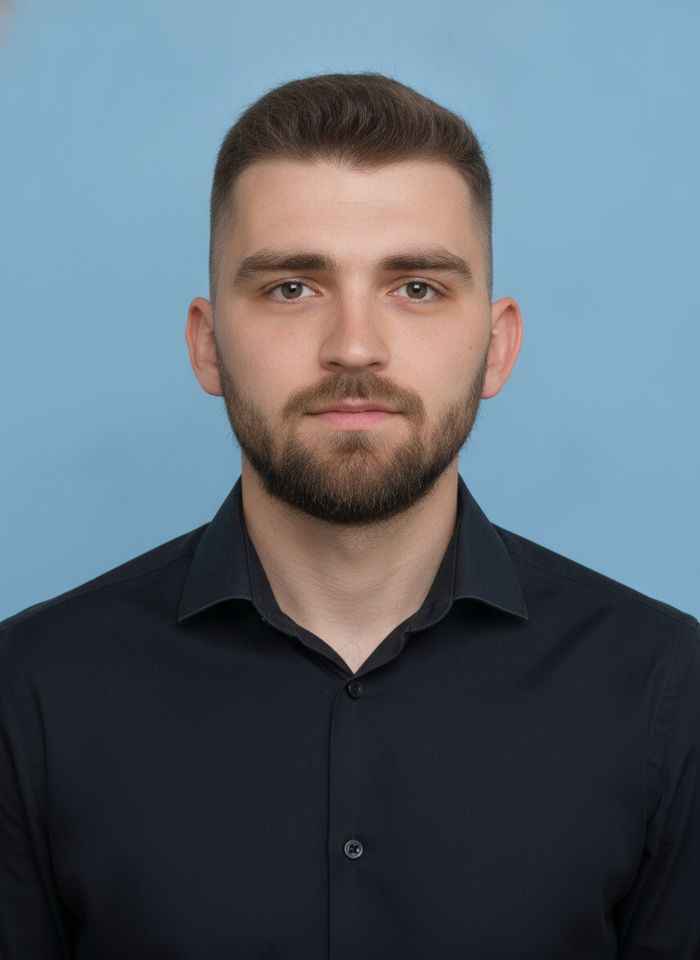
AI ID Photo Maker
Turn one photo of yourself into a formal, front-facing ID-style photo on a white, blue or red background.

AI Product Photo
Turn a simple product snapshot into a studio-quality photo for your store.

AI Headshot Generator
Get a professional headshot for LinkedIn or your resume from one selfie. No photographer needed.

Old Photo Restoration
Remove scratches and fading, sharpen faces and add natural color to black-and-white photos.
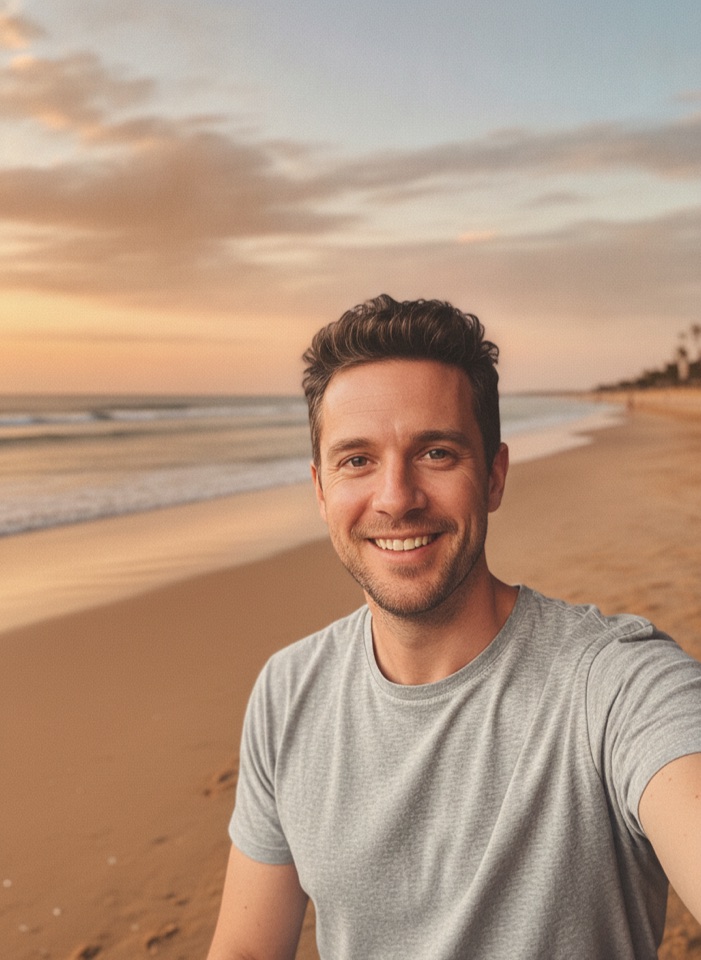
AI Background Changer
Upload a photo, pick a new background or describe your own, and the subject is kept as it is.
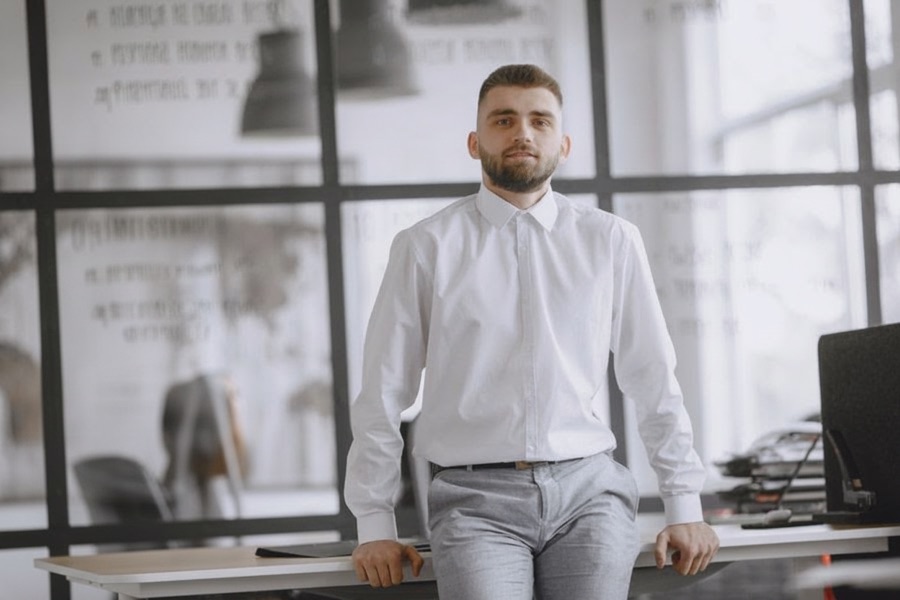
AI Object Remover
Type what you want gone, like a stranger or a trash can, and the AI removes it and fills in the background.
White Background Maker
Upload a product snapshot and get it back on a clean, plain background with a soft shadow, ready for your store.