Image to Image AI
Upload one to four images, describe what you want, and get a new 1K image built from them.

How to use image to image AI
- 1
Upload one to four reference images.
- 2
Describe the result you want and pick a model.
- 3
Click Generate, then download the image or find it later in My Images.
What is image to image AI?
Image to image AI makes a new picture from pictures you already have. Instead of starting from a blank prompt, you upload one to four reference images and describe the result in plain words. With one image, it works as an AI photo editor: change the background, the light, a color or a single object. With several, it combines them, such as a product photo with a scene, or a person with an outfit. You also choose the model. The default is Nano Banana 2 Lite, and you can switch to Nano Banana, Seedream 5.0 Lite, GPT Image 2, GPT Image 2.5, Nano Banana 2 or Nano Banana Pro. Each result is a 1K image saved in My Images.
Why use image to image AI here
Up to four reference images
Upload a product and a backdrop, a person and an outfit, or a photo and a style reference. The model takes all of them into account and builds one new image from your description.
Pick the model for each job
Start with Nano Banana 2 Lite, switch to GPT Image 2 or 2.5 when the picture needs readable text, or use Nano Banana Pro when quality matters more than speed.
Edit images with text, no masks
Say what should change and what should stay. There are no layers or selection tools; the model is instructed to keep what you don’t mention, so check the details.
People stay themselves
With a photo of a person, the tool keeps who they are and won’t swap in someone else’s face, so you can change the outfit, the setting or the light around them.
What you can make with image to image AI
Products in new scenes
Combine a product shot with a photo of a kitchen, a beach or a studio set to make lifestyle images for a store page or an ad without booking a new shoot.
Outfit previews
Upload a photo of a person and a photo of a garment to see the clothes on them before you buy, list or style the look.
Single-photo edits
Change the background, the season, a color or one object in a photo, the same way you would brief a retoucher, and keep the rest of the picture.
Restyle with a reference
Add a painting, a mood board or a brand photo as a second image and ask for your picture in that style, palette or lighting.
Tips for better image to image results
Name each image by what is in it, such as “the red sneaker” and “the city street”, so the model knows which part to take from which picture.
Say what should stay as well as what should change, for example “keep the bottle and its label, change the background to a bathroom shelf”.
Use clear, well-lit photos where the main subject fills most of the frame. Small or blurry subjects lose detail, and the result is 1K.
When you place a product in a scene, mention size and light, such as “the bottle stands on the counter, lit by the window on the left”, so it fits in.
Simple, credit-based pricing
Every tool runs on the same credits. One image is 30 credits, and failed generations are refunded.
Starter
For occasional photos
- About 75 images per month
- 2,250 credits
- All 34 AI image tools
- Commercial use
- Failed generations refunded
Plus
For busy shops and creators
- About 150 images per month
- 4,500 credits
- All 34 AI image tools
- Commercial use
- Failed generations refunded
- Priority support
Business
For teams, agencies and high volume
- About 300 images per month
- 9,000 credits
- All 34 AI image tools
- Commercial use
- Failed generations refunded
- Dedicated support
Monthly and yearly plans renew automatically at the end of each period until you cancel, and you can cancel anytime in Settings. Credit packs are one-time purchases that never renew; their credits last 1 year. Prices include tax.
Image to image AI FAQ
- What is image to image AI?
- It creates a new image from images you upload plus a text description. Use it to edit one photo with words, or to combine up to four images into one result. We reach the models through their APIs and are not affiliated with Google, OpenAI or ByteDance.
- Which model should I pick?
- Start with the default, Nano Banana 2 Lite. Try GPT Image 2 or 2.5 when the image needs readable text such as a label or title. Nano Banana Pro is the highest-quality Google model here but slower and costs 60 credits. Running one prompt on two models is the easiest way to compare.
- How do I combine several images into one?
- Upload two to four images, then say how they fit together, for example “put the woman from the portrait in the red coat from the product photo, on a snowy street”. Describe each image by its content. Results vary, so check the details.
- How many credits does it cost?
- Each generated image costs 30 credits, or 60 with Nano Banana Pro. The cost is shown on the Generate button, and if a generation fails, the credits are refunded automatically.
- Which files and resolution are supported?
- Upload JPG, PNG or WebP files up to 10MB each. The result is a standard 1K image, about 1024 pixels on the long side. That suits web pages, social posts and slides, but not large prints.
- Can it change or swap a person’s face?
- No. Face swapping isn’t offered, and with a photo of a person the tool keeps who they are. You can change what is around them, such as clothes, background and light. Prompts and images are moderated.
- Can I use the images commercially?
- Yes, subject to our terms of service. Only upload images you have the rights to use. Every result is saved in My Images, and your uploads are deleted from the processing service within 24 hours.
- How is this different from the AI Image Generator?
- The AI Image Generator starts from text alone. Image to image starts from your pictures, so the result follows their products, people and scenes. Use it when you already have a photo to edit or images to combine.
More AI tools
All toolsAI Image Generator
Describe what you want, choose a model, and turn your text into a 1K image.
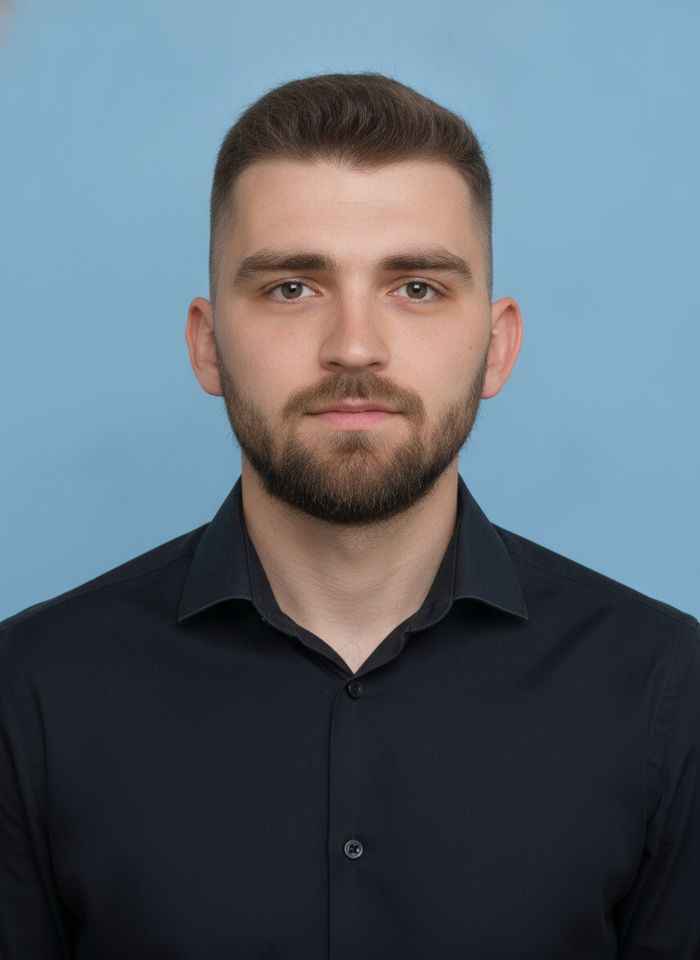
AI ID Photo Maker
Turn one photo of yourself into a formal, front-facing ID-style photo on a white, blue or red background.

AI Product Photo
Turn a simple product snapshot into a studio-quality photo for your store.

AI Headshot Generator
Get a professional headshot for LinkedIn or your resume from one selfie. No photographer needed.

Old Photo Restoration
Remove scratches and fading, sharpen faces and add natural color to black-and-white photos.
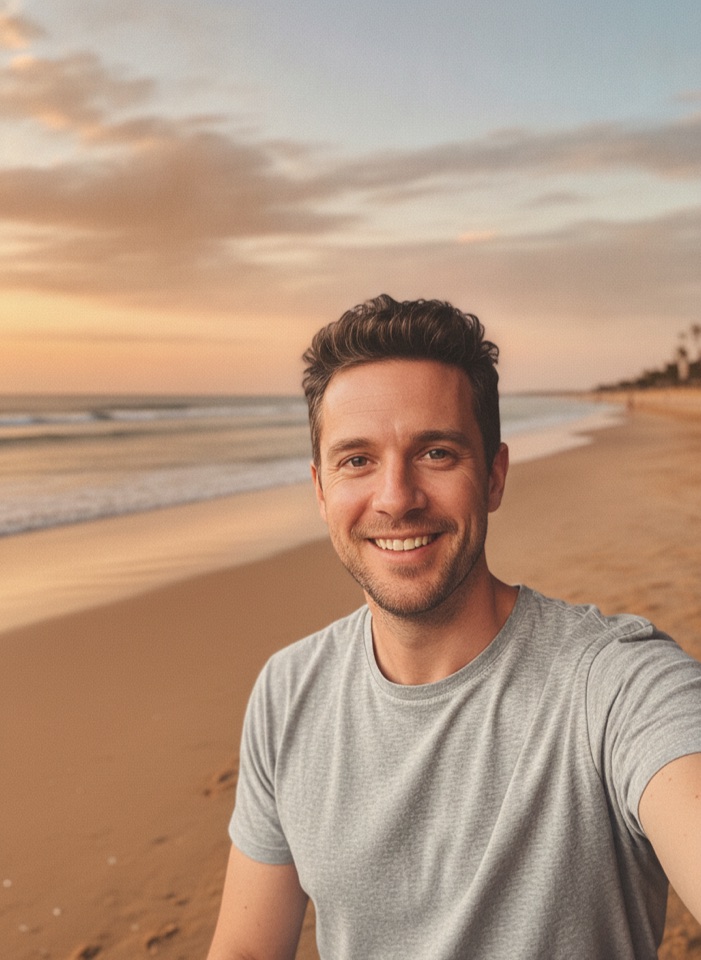
AI Background Changer
Upload a photo, pick a new background or describe your own, and the subject is kept as it is.
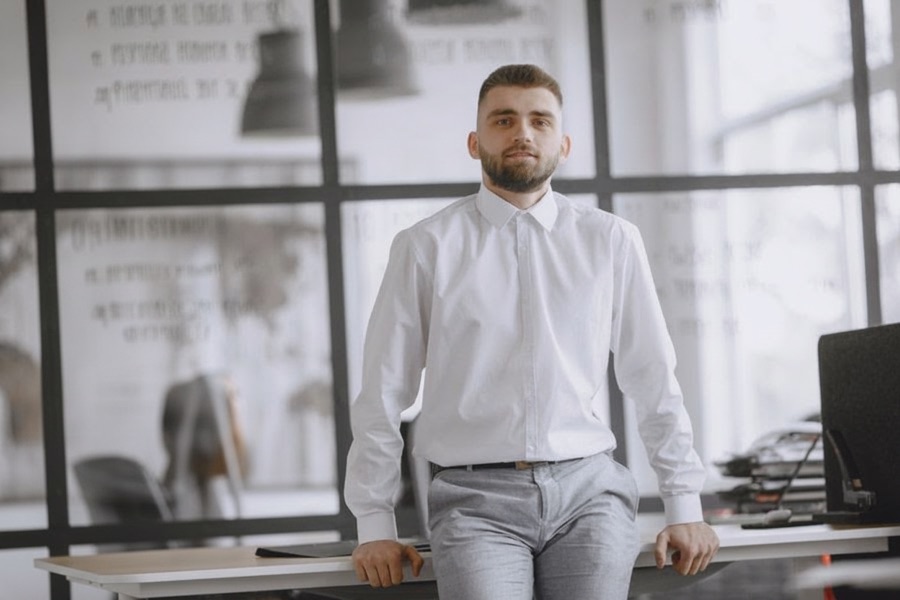
AI Object Remover
Type what you want gone, like a stranger or a trash can, and the AI removes it and fills in the background.
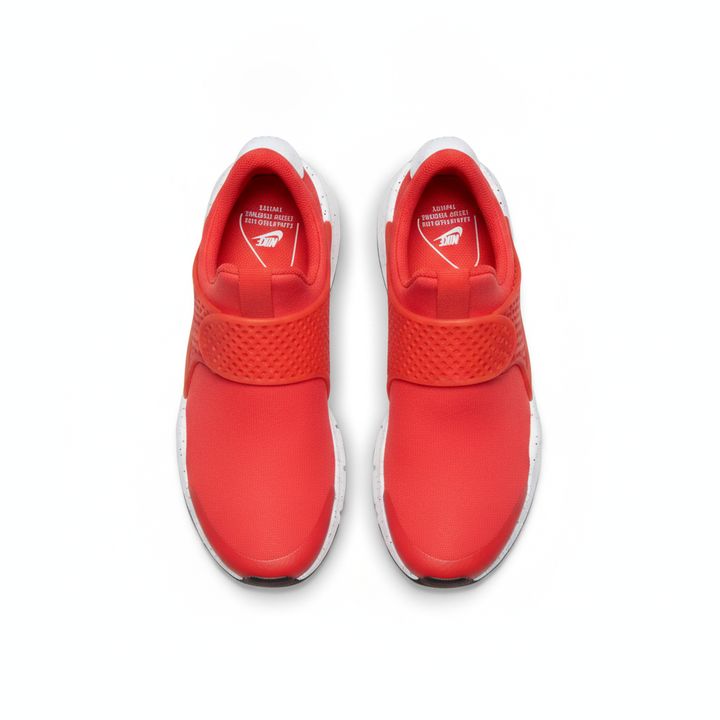
White Background Maker
Upload a product snapshot and get it back on a clean, plain background with a soft shadow, ready for your store.
AI Photo Enhancer
Upload a blurry or noisy photo and get a sharper, cleaner version with clearer faces and better color.