AI ID Photo Maker
Turn one photo of yourself into a formal, front-facing ID-style photo on a white, blue or red background.

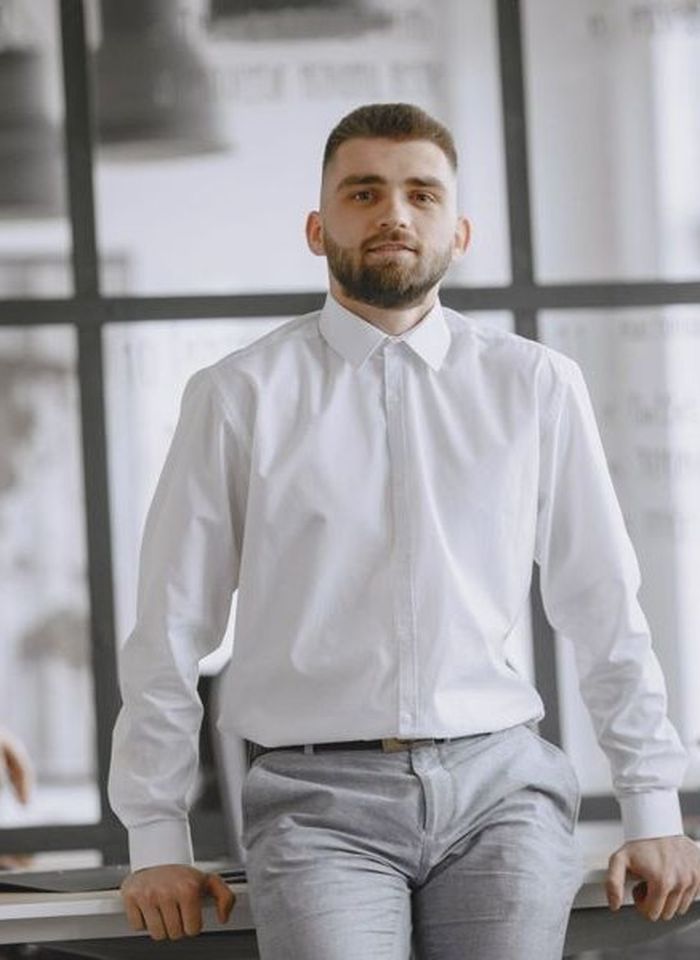 BeforeAfter
How to make an ID photo with AI
- 1
Upload a clear, front-facing photo of yourself.
- 2
Pick a white, blue or red background.
- 3
Check the result against the photo rules, then download it.
A formal ID photo from a photo you already have
This AI ID photo maker turns an everyday photo of yourself into a formal head-and-shoulders portrait, facing the camera, on a plain white, blue or red background. It helps when you need an ID-style picture for a resume, a student or staff card, a membership form or an online profile and don't want to visit a photo booth. The tool is instructed to keep your face, hairstyle and expression, and to replace a busy background with a solid color. Official passport, visa and ID card rules vary by country, and many require an unedited photo, so check the rules before you submit an AI ID photo anywhere official.
What this ID photo maker does well
White, blue or red background
Pick the solid color your form or card asks for. White, blue and red are the background colors most often requested for ID-style photos, and you can make all three from one upload.
Formal head-and-shoulders framing
Results are framed head and shoulders with your face toward the camera, the layout ID photos use, so a casual photo taken at home can become a clean, formal portrait.
Busy backgrounds replaced
A kitchen, a street or a patterned wall behind you is replaced with an even, plain color, and the tool is instructed to keep your face, hair and expression as they are.
Made only from your own photo
You confirm the photo is of you before generating. Images are moderated, no face swapping is offered, and uploads are deleted from the processing service within 24 hours.
Where people use an AI ID photo
Resumes and job applications
Add a neat, front-facing photo to a CV or application form where a photo is expected, without booking a studio session or finding a photo booth.
Student and staff cards
Schools, offices and gyms often ask for a plain-background photo for badges and access cards. Ask about their size and color rules, then pick the matching background.
Online profiles and forms
Membership forms, alumni directories and work platforms often ask for a formal photo. Pick the background color they specify and crop the result to the size they need.
A preview before the photo booth
See how your hair and outfit look in a formal ID-style shot before you have an official photo taken, so there are fewer surprises on the day.
Tips for a cleaner ID photo
Use a photo taken straight on at eye level, with your head level and both ears visible if possible. Tilted or angled selfies are harder to turn into a front-facing ID photo.
Take off glasses, hats and headphones before the photo. Many ID rules don't allow them, and the AI may keep them in the result.
Light your face evenly, for example by facing a window on a cloudy day. A shadow on one side of your face often stays in the result and makes the photo look uneven.
Wear a plain dark or mid-tone top if you plan to use a white background. A white shirt against a white background can blur the edge of your shoulders.
Simple, credit-based pricing
Every tool runs on the same credits. One image is 30 credits, and failed generations are refunded.
Starter
For occasional photos
- About 75 images per month
- 2,250 credits
- All 34 AI image tools
- Commercial use
- Failed generations refunded
Plus
For busy shops and creators
- About 150 images per month
- 4,500 credits
- All 34 AI image tools
- Commercial use
- Failed generations refunded
- Priority support
Business
For teams, agencies and high volume
- About 300 images per month
- 9,000 credits
- All 34 AI image tools
- Commercial use
- Failed generations refunded
- Dedicated support
Monthly and yearly plans renew automatically at the end of each period until you cancel, and you can cancel anytime in Settings. Credit packs are one-time purchases that never renew; their credits last 1 year. Prices include tax.
AI ID photo FAQ
- Can I use this as an official passport or visa photo?
- Check first. Official passport, visa and ID card rules vary by country, and many require an unedited photo taken under set conditions. Read the issuing office's rules before you submit any AI-made photo, and use a photo booth or studio if edits aren't allowed.
- Which background color should I choose?
- Use the color the form or office asks for. White is the most common request, while blue and red are used for some cards, school records and work documents. If no color is given, white is usually the safest choice.
- Can I make an ID photo of someone else?
- No. ID photos can only be made from your own photo, and you confirm this before generating. Making realistic portraits of other people without permission is against our usage policy, and no face swapping is offered.
- Will it still look like me?
- The tool is instructed to keep your face, skin tone, hairstyle and expression. An ID photo has to match you, so check the result closely and try another photo if anything looks off.
- What size is the result?
- Results are standard 1K resolution, about 1024 pixels. Most forms ask for a specific size, such as 35 × 45 mm or 2 × 2 inches, so crop and resize the image to the exact dimensions the rules give.
- What photo should I upload?
- A JPG, PNG or WebP file up to 10MB, taken straight on in good light, with your whole head and shoulders in the frame and nothing covering your face. Only you should be in the photo.
- Can I change my clothes, for example to a suit?
- This tool has no instructions box; it handles framing and background. To try another outfit, use the AI Clothes Changer first, then make the ID photo from that result. Keep in mind that official photos may need to be unedited.
- How much does an AI ID photo cost?
- Each generation costs 30 credits, so trying all three backgrounds costs 90 credits. If a generation fails, the credits are refunded automatically. Every result is saved in My Images, so you can download it again later.
More AI tools
All tools
AI Image Generator
Describe what you want, choose a model, and turn your text into a 1K image.
Image to Image
Upload one to four images, describe what you want, and get a new 1K image built from them.

AI Product Photo
Turn a simple product snapshot into a studio-quality photo for your store.

AI Headshot Generator
Get a professional headshot for LinkedIn or your resume from one selfie. No photographer needed.

Old Photo Restoration
Remove scratches and fading, sharpen faces and add natural color to black-and-white photos.

AI Background Changer
Upload a photo, pick a new background or describe your own, and the subject is kept as it is.
AI Object Remover
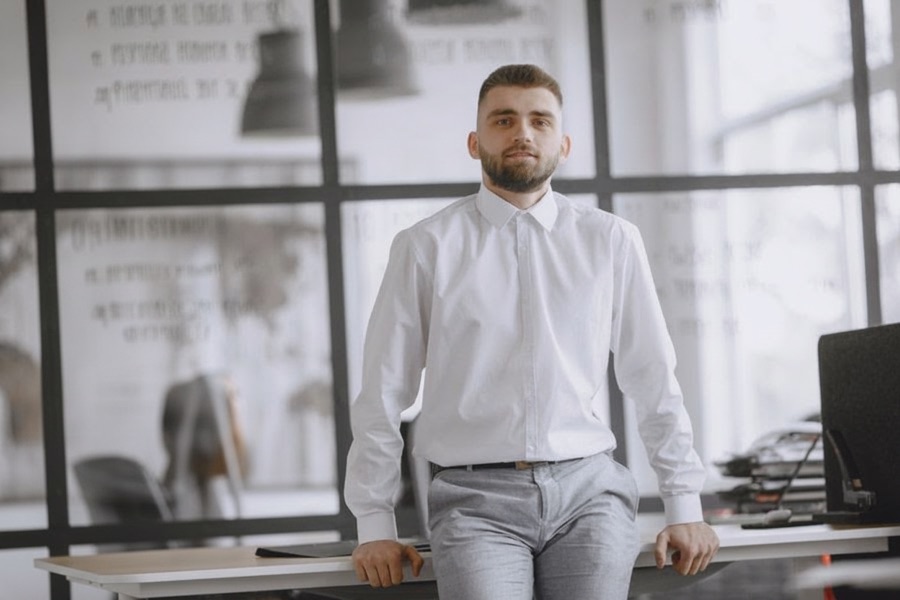
Type what you want gone, like a stranger or a trash can, and the AI removes it and fills in the background.
White Background Maker
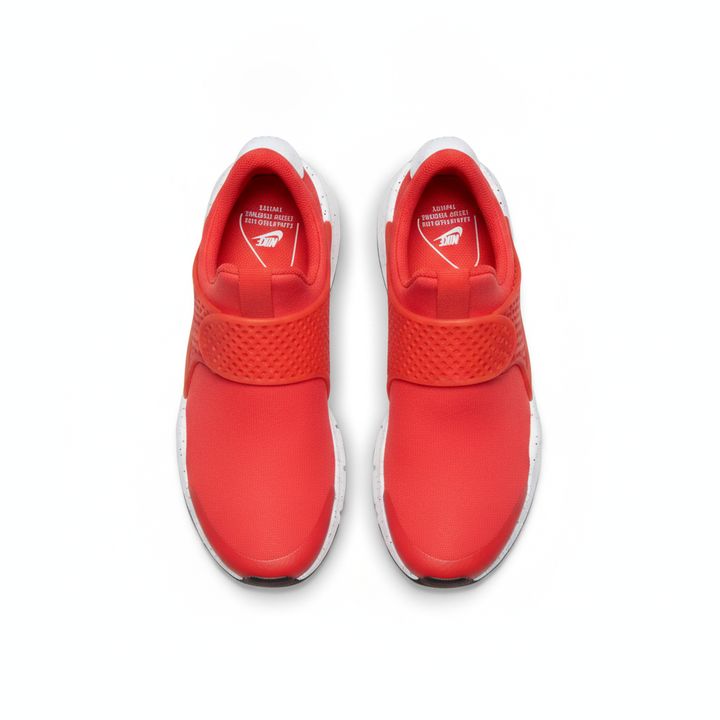
Upload a product snapshot and get it back on a clean, plain background with a soft shadow, ready for your store.

AI Photo Enhancer
Upload a blurry or noisy photo and get a sharper, cleaner version with clearer faces and better color.