AI Logo Maker
Type your brand name and what you do, and get logo ideas in the style you pick.
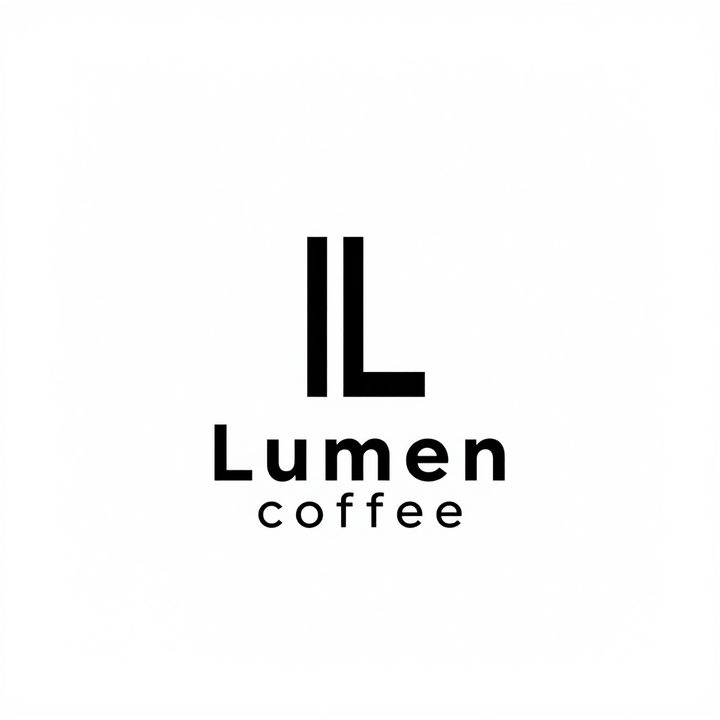
How to make a logo with AI
- 1
Type your brand name and a few words about what you do.
- 2
Pick a logo style and click Generate.
- 3
Download the logo or find it later in My Images.
What is an AI logo maker?
An AI logo maker draws logo ideas from a short brief: your brand name, what the business does and, if you like, a color or a symbol. This tool offers four common logo types. Minimal gives a simple mark with clean lettering, mascot builds a friendly character, emblem puts the name inside a badge or crest, and lettermark is built around your initials. Each logo comes as a 1K image on a plain background, ready to try on a website header, a social profile or a mockup. It is a quick way to explore directions before you commit to one. Check the spelling of the name in every result, and run your own trademark search before you use a logo for your business.
What this AI logo maker does well
Four logo types in one place
Switch between minimal, mascot, emblem and lettermark with the same brief. Seeing one name in four treatments makes it easier to decide which direction fits your brand.
Uses what your business does
Tell it you run a bakery, a law firm or a game studio, and it picks symbols, shapes and colors that suit that field instead of a generic icon.
Your name drawn into the design
The brand name is part of the image, not pasted on top, so the lettering and the symbol are balanced. Short names come out most reliably, so check each letter.
Drafts before you hire a designer
Generate several ideas at 30 credits each and share them with your team or a designer. A clear visual starting point saves rounds of back-and-forth on the brief.
Who uses an AI logo maker
New small businesses
Get a first logo for a cafe, salon, online store or studio while you are still testing the idea, and replace it with a designed one if the business grows.
Apps and side projects
Give a new app, newsletter, podcast or open source project a recognizable mark for its landing page, app store listing and social accounts.
Events, clubs and teams
Make a badge for a sports team, a school club, a meetup or a one-off event, then use it on social posts, name tags and invitations.
Briefing a designer
Show a designer the style, symbol and colors you have in mind with a few generated options, instead of trying to describe a logo in words alone.
Tips for better AI logo results
Keep the name short and spell it exactly as it should appear, with capitals where you want them. Names of one or two words render far more reliably than long phrases.
Add one or two brand traits and a color, such as “calm, premium, navy blue”. A short brief gives a cleaner logo than a long list of ideas.
If you want a particular symbol, name it: “a fox head”, “a coffee bean” or “a mountain line”. Otherwise the AI chooses one from your business description.
Shrink each result to the size of an app icon or a browser tab before you choose. A logo that still reads at that size will work almost anywhere.
Simple, credit-based pricing
Every tool runs on the same credits. One image is 30 credits, and failed generations are refunded.
Starter
For occasional photos
- About 75 images per month
- 2,250 credits
- All 34 AI image tools
- Commercial use
- Failed generations refunded
Plus
For busy shops and creators
- About 150 images per month
- 4,500 credits
- All 34 AI image tools
- Commercial use
- Failed generations refunded
- Priority support
Business
For teams, agencies and high volume
- About 300 images per month
- 9,000 credits
- All 34 AI image tools
- Commercial use
- Failed generations refunded
- Dedicated support
Monthly and yearly plans renew automatically at the end of each period until you cancel, and you can cancel anytime in Settings. Credit packs are one-time purchases that never renew; their credits last 1 year. Prices include tax.
AI logo maker FAQ
- What should I type in the box?
- Your brand name and what the business does, for example “Brightleaf, an organic tea shop”. You can add a color, a mood or a symbol you want. The name and the type of business matter most.
- Will the AI spell my brand name correctly?
- Usually, for short names. Longer names, unusual spellings and small taglines can come out with a wrong or missing letter. Check every letter before you use a logo, and generate again if it is off.
- Can I use the logo for my business?
- Yes, you can use generated logos commercially, subject to our terms of service. We don't check trademarks, and AI designs can look like existing marks, so search your country's trademark register before you print or register a logo.
- Do I get a vector file or a transparent PNG?
- No. Each logo is a standard 1K image (about 1024 px) on a plain background. It works well on screens and in mockups. For print or a full brand kit, ask a designer to redraw your chosen logo as a vector.
- Which logo style should I pick?
- Minimal suits tech, consulting and modern brands. Mascot works for food, kids, gaming and community brands. Emblem fits cafes, breweries, schools and sports teams. Lettermark is best when your name is long or you go by initials.
- How many credits does a logo cost?
- Each generation costs 30 credits and gives you one logo. If a generation fails, the credits are refunded automatically. Running the same brief again gives a new design, so plan for a few tries per style.
- Which AI model makes the logos?
- Text-to-image tools like this one run on Alibaba's Z-Image model through its API. Prompts are moderated before generation. We are an independent service and are not affiliated with Alibaba, Google or OpenAI.
- Can I change one detail of a logo I like?
- Yes. Every logo is saved in My Images. To adjust one thing, such as the color or the symbol, upload it to Image to Image and describe the change instead of starting over with a new brief.
More AI tools
All tools
AI Image Generator
Describe what you want, choose a model, and turn your text into a 1K image.
Image to Image
Upload one to four images, describe what you want, and get a new 1K image built from them.

AI ID Photo Maker
Turn one photo of yourself into a formal, front-facing ID-style photo on a white, blue or red background.

AI Product Photo
Turn a simple product snapshot into a studio-quality photo for your store.

AI Headshot Generator
Get a professional headshot for LinkedIn or your resume from one selfie. No photographer needed.

Old Photo Restoration
Remove scratches and fading, sharpen faces and add natural color to black-and-white photos.

AI Background Changer
Upload a photo, pick a new background or describe your own, and the subject is kept as it is.

AI Object Remover
Type what you want gone, like a stranger or a trash can, and the AI removes it and fills in the background.
White Background Maker
Upload a product snapshot and get it back on a clean, plain background with a soft shadow, ready for your store.