AI Avatar Maker
Turn a photo of yourself into a cartoon, pixel art or clay avatar for your profile picture.
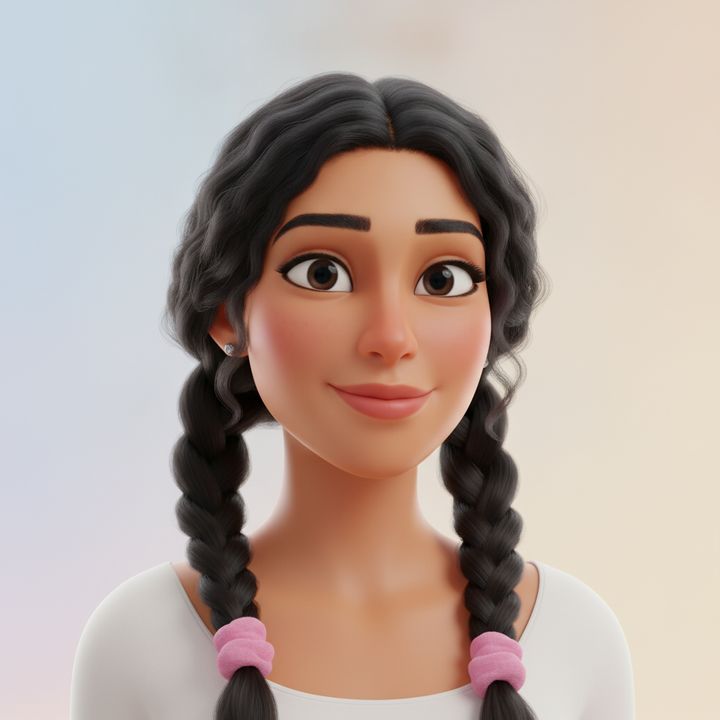
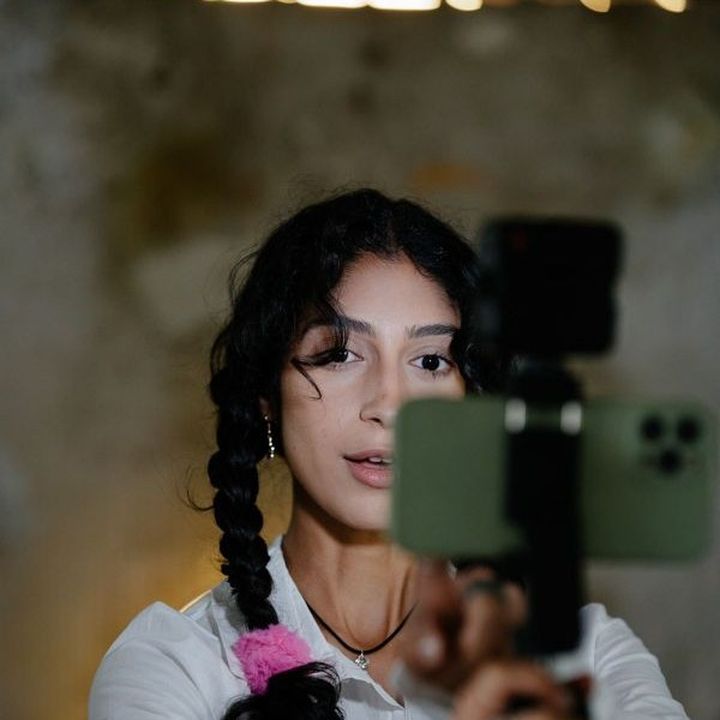 BeforeAfter
How to make an avatar with AI
- 1
Upload a clear photo with your face visible.
- 2
Pick a style and, if you like, add a detail.
- 3
Download your avatar and set it as your profile picture.
A profile picture that looks like you, in a new style
This AI avatar maker turns a photo into a stylized profile picture, so you can show up as yourself online without posting a real photo. Choose 3D cartoon, illustration, pixel art, clay or cyberpunk, and the AI redraws the person in that style while it is instructed to keep recognizable features such as hairstyle, glasses and face shape. Add a note like “wearing headphones” or “green hoodie” to make it more personal. Use the result on social media, Discord, Slack, game profiles, forums or a personal site. Avatars work best from a clear photo of one person, and you confirm you have the right to use the photo before you upload.
What you get from the AI avatar maker
Five styles from one photo
Try a soft 3D cartoon, a flat illustration, retro pixel art, a handmade-looking clay figure or a neon cyberpunk look, all from the same upload, and keep the one that fits.
Still recognizably you
The tool is instructed to keep the features people know you by, such as your hairstyle, hair color, glasses and face shape, so friends can tell it's you even in pixel art.
Personal details on request
Use the optional instructions box to add a favorite hoodie, headphones, a background color or a cat on your shoulder, and make an avatar that says something about you.
Privacy without a blank profile
A stylized avatar gives your public profiles a face without sharing a real photo. Your original upload is deleted from the processing service within 24 hours.
Where to use your AI avatar
Social media profile pictures
Use one avatar across Instagram, X, TikTok and other social profiles so people recognize you, even without a real photo of your face.
Gaming and Discord
Pixel art and cyberpunk styles suit Discord servers, Steam, Twitch and game profiles, where a regular selfie can feel out of place.
Work chat and forums
A friendly 3D cartoon or illustration works for Slack, Teams, GitHub and community forums when you want a face but not a formal headshot.
Personal brand and blogs
Creators can use one illustrated avatar on a blog, newsletter, podcast or YouTube channel, and remake it in other styles for different platforms.
Tips for a better profile picture
Use a photo where your face fills a good part of the frame and is well lit. Small faces in wide shots lose detail when they are redrawn in a new style.
Keep the things people recognize you by visible, such as your glasses, beard or usual hairstyle. Those details carry over and make the avatar look like you.
Center your head and shoulders in the photo. Most sites crop profile pictures to a circle, and a centered subject is less likely to be cut off.
Add a plain background color in the instructions box, such as “solid teal background”. Simple backgrounds look cleaner when the avatar is shown as a small icon.
Simple, credit-based pricing
Every tool runs on the same credits. One image is 30 credits, and failed generations are refunded.
Starter
For occasional photos
- About 75 images per month
- 2,250 credits
- All 34 AI image tools
- Commercial use
- Failed generations refunded
Plus
For busy shops and creators
- About 150 images per month
- 4,500 credits
- All 34 AI image tools
- Commercial use
- Failed generations refunded
- Priority support
Business
For teams, agencies and high volume
- About 300 images per month
- 9,000 credits
- All 34 AI image tools
- Commercial use
- Failed generations refunded
- Dedicated support
Monthly and yearly plans renew automatically at the end of each period until you cancel, and you can cancel anytime in Settings. Credit packs are one-time purchases that never renew; their credits last 1 year. Prices include tax.
AI avatar maker FAQ
- What photo works best?
- A sharp, well-lit photo of one person with the face clearly visible, facing or slightly turned toward the camera. JPG, PNG and WebP files up to 10MB are supported.
- Which style should I pick?
- 3D cartoon and illustration are friendly and work almost anywhere. Pixel art and cyberpunk suit gaming and tech communities. Clay looks playful and handmade. You can try several and keep the one you like most.
- Can I make an avatar of a friend or my pet?
- You can use a photo of another person only with their permission, and you confirm this before uploading. Pet photos can work too, though the styles are designed with people in mind, so check the result.
- Will the avatar look like me?
- It is a stylized version, so it won't match a photo exactly. The tool is instructed to keep features such as hairstyle, hair color, glasses and face shape. If a result misses, try a clearer photo or another style.
- What size is the avatar?
- Results are standard 1K resolution, about 1024 pixels, which is more than most sites need for a profile picture. Most platforms crop to a square or circle, so keep your face near the center.
- Can I use my avatar commercially?
- Yes, results can be used commercially, for example on a channel, a shop or merchandise, subject to our terms. Avoid asking for famous characters or brand logos in the instructions, since those may belong to someone else.
- How much does an AI avatar cost?
- Each avatar costs 30 credits. If a generation fails, the credits are refunded automatically. All results are saved in My Images, so you can come back and download any style later.
- How is this different from the AI Headshot Generator or Photo to Anime?
- The AI Headshot Generator makes a realistic professional photo for LinkedIn or a resume. Photo to Anime redraws a whole photo in anime styles. The avatar maker focuses on stylized profile pictures in 3D cartoon, illustration, pixel art, clay and cyberpunk looks.
More AI tools
All tools
AI Image Generator
Describe what you want, choose a model, and turn your text into a 1K image.
Image to Image
Upload one to four images, describe what you want, and get a new 1K image built from them.
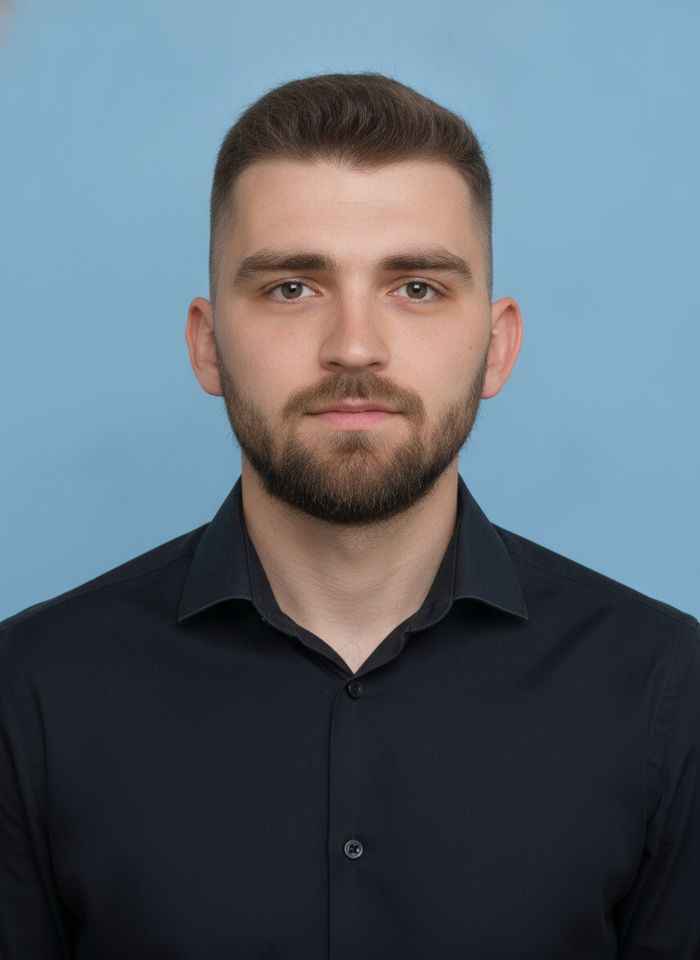
AI ID Photo Maker
Turn one photo of yourself into a formal, front-facing ID-style photo on a white, blue or red background.

AI Product Photo
Turn a simple product snapshot into a studio-quality photo for your store.

AI Headshot Generator
Get a professional headshot for LinkedIn or your resume from one selfie. No photographer needed.

Old Photo Restoration
Remove scratches and fading, sharpen faces and add natural color to black-and-white photos.
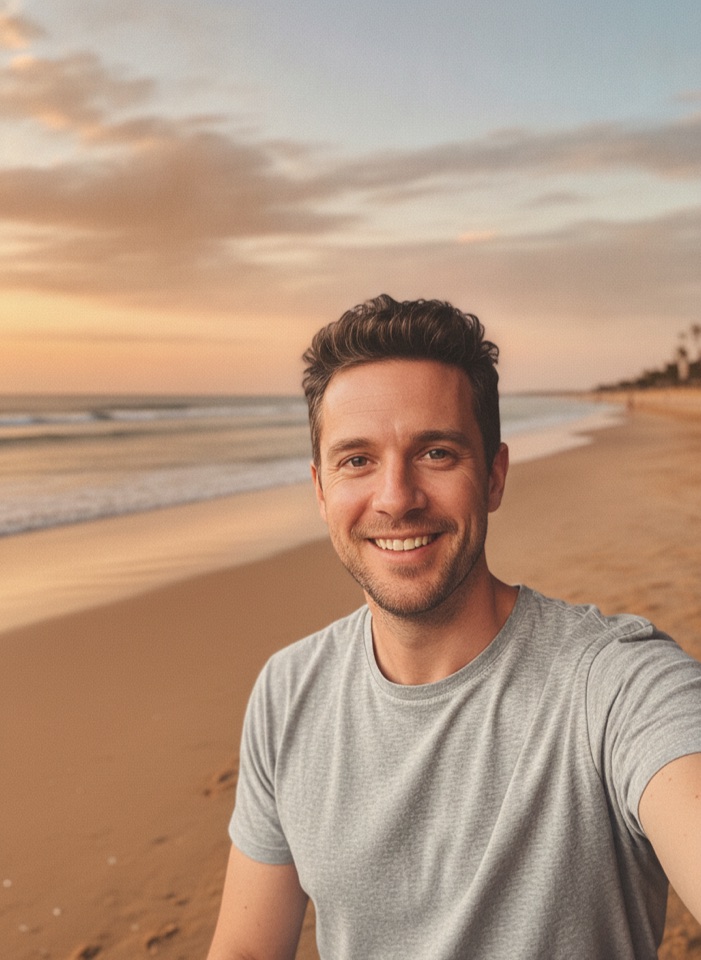
AI Background Changer
Upload a photo, pick a new background or describe your own, and the subject is kept as it is.
AI Object Remover
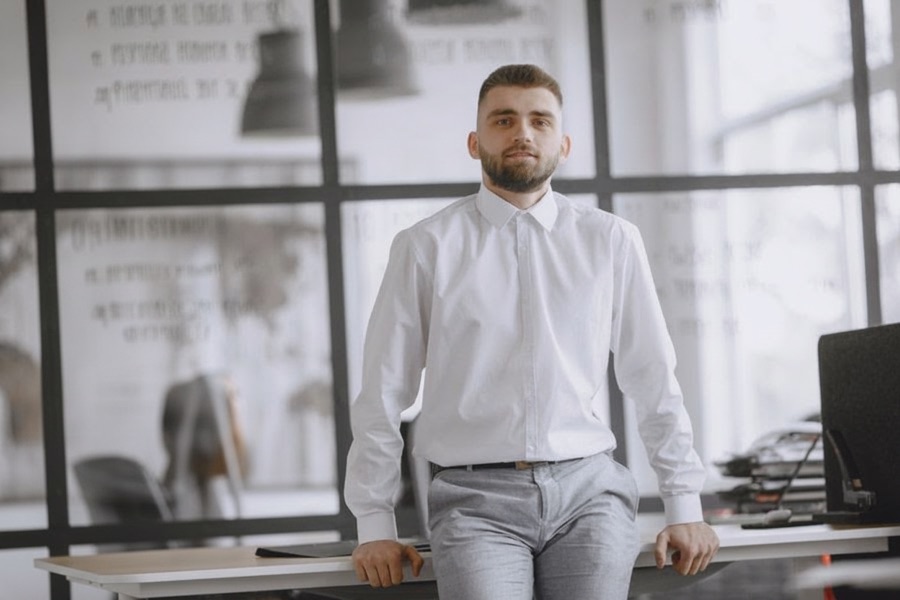
Type what you want gone, like a stranger or a trash can, and the AI removes it and fills in the background.
White Background Maker
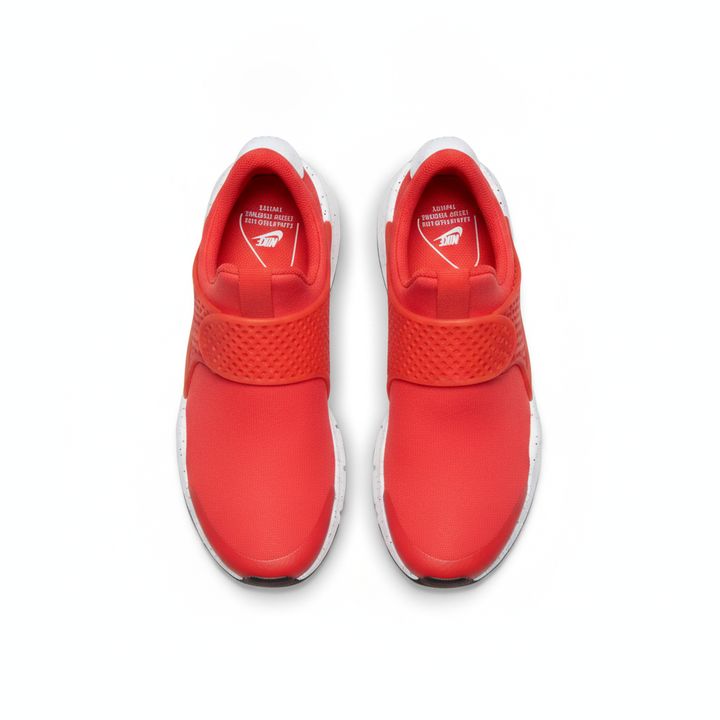
Upload a product snapshot and get it back on a clean, plain background with a soft shadow, ready for your store.