AI Age Changer
Upload a photo of yourself and see a younger or older version of you, from childhood to old age.
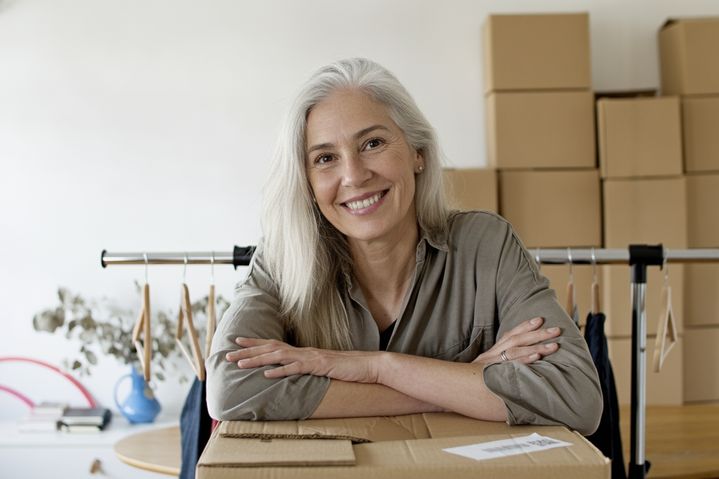
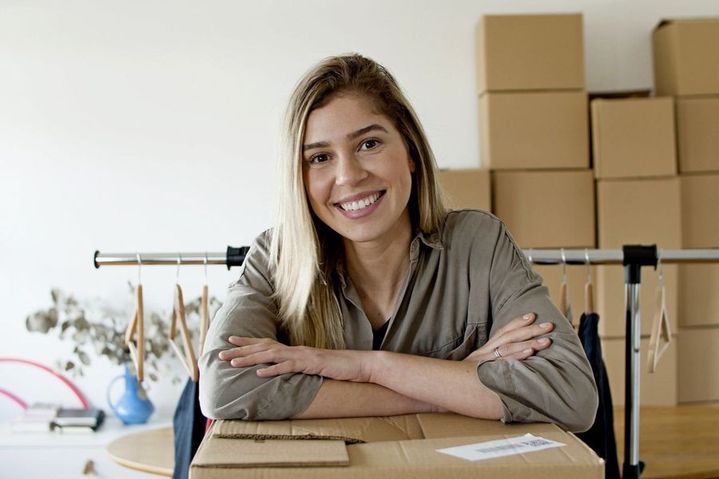 BeforeAfter
How to see yourself older or younger with AI
- 1
Upload a clear photo of yourself with your face visible.
- 2
Pick an age: child, young adult, middle-aged or elderly.
- 3
Compare the result with your photo and save the ones you like.
See yourself at another age
This AI age changer shows how you might look at a different stage of life, from a child to an elderly adult, using one photo of yourself. Pick child, young adult, middle-aged or elderly, and the AI adds or removes signs of age, such as wrinkles, gray hair, rounder cheeks or smoother skin. The tool is instructed to keep your features, pose, clothes and background, so the result still reads as you rather than a stranger. It is a guess, not a prediction: real aging depends on genes, health and habits. Use it for fun, a birthday card or a family chat. For privacy reasons, age photos can only be made from your own photo.
What this AI age changer does well
Four ages, younger or older
Go back to a child or a young adult, or forward to middle age or old age, all from the same photo, then line the results up to see the whole range.
Your features stay recognizable
The tool is instructed to keep your eyes, face shape and expression and to change only the signs of age, so each version should still look like you.
Add details in your own words
Use the optional instructions box to steer the look, for example “gray beard”, “reading glasses” or “short silver hair”, and see how small choices change the result.
Same pose, outfit and background
Your clothes, pose and background are meant to stay the same, which makes before-and-after comparisons easy and keeps the focus on how your face and hair change.
Why people try an AI age changer
Just for fun
See yourself at seventy or as a kid and share the side-by-side with friends. It is an easy way to get a group chat talking.
Birthdays and milestones
Make an older version of yourself for a milestone birthday card, or a younger one for a nostalgic post on a big anniversary or reunion.
Thinking about the future
Some people find it easier to think about savings, exercise or sleep after seeing an older face looking back. Treat it as a picture, not a forecast.
Characters and costumes
Actors, cosplayers and video makers can preview how they might look playing an older or younger version of a role before planning makeup.
Tips for a more convincing age change
Use a sharp photo facing the camera with even light. Wrinkles, skin texture and hair color are small details, and a blurry or dark photo makes them harder to draw well.
Keep your hair visible and your forehead uncovered. Graying and a receding hairline are a big part of looking older, and hats or heavy bangs hide where the AI would show them.
For the child setting, a relaxed or smiling expression works better than a serious one. Children's faces are softer, and a natural expression tends to carry over better.
Add one detail at a time in the instructions box, such as “gray beard” or “laugh lines”. If the elderly result looks too old, try middle-aged instead.
Simple, credit-based pricing
Every tool runs on the same credits. One image is 30 credits, and failed generations are refunded.
Starter
For occasional photos
- About 75 images per month
- 2,250 credits
- All 34 AI image tools
- Commercial use
- Failed generations refunded
Plus
For busy shops and creators
- About 150 images per month
- 4,500 credits
- All 34 AI image tools
- Commercial use
- Failed generations refunded
- Priority support
Business
For teams, agencies and high volume
- About 300 images per month
- 9,000 credits
- All 34 AI image tools
- Commercial use
- Failed generations refunded
- Dedicated support
Monthly and yearly plans renew automatically at the end of each period until you cancel, and you can cancel anytime in Settings. Credit packs are one-time purchases that never renew; their credits last 1 year. Prices include tax.
AI age changer FAQ
- Does this show what I will really look like?
- No one can predict that. The AI makes a plausible older or younger version based on your photo, but real aging depends on genes, health, sun exposure and lifestyle. Treat the result as fun, not as a forecast.
- Can I change the age in someone else's photo?
- No. Age photos can only be made from your own photo, and you confirm this before generating. Changing other people's faces without their permission is against our usage policy, and no face swapping is offered.
- Which ages can I choose?
- Child, young adult, middle-aged and elderly. You can't pick an exact number, but you can add a hint in the instructions box, such as “late sixties” or “around ten years old”, and check the result.
- Will it still look like me?
- The tool is instructed to keep your features, expression, pose, clothes and background, and to change only the signs of age. Results vary, so compare each one with your photo and try another photo if a version looks off.
- Can I use a group photo?
- Crop it to just yourself first. Age photos can only be made from your own photo, and a single sharp face looking at the camera also gives the AI the clearest view of your features.
- What files can I upload?
- JPG, PNG or WebP images up to 10MB. Results are standard 1K resolution, about 1024 pixels, which is plenty for sharing on social media or in a chat.
- How much does it cost?
- Each age you try costs 30 credits, so all four ages cost 120 credits. If a generation fails, the credits are refunded automatically, and every result is saved in My Images.
- Can I share or post the results?
- Yes, you can share them, and commercial use is allowed subject to our terms. Prompts and images are moderated, and your original upload is deleted from the processing service within 24 hours.
More AI tools
All tools
AI Image Generator
Describe what you want, choose a model, and turn your text into a 1K image.
Image to Image
Upload one to four images, describe what you want, and get a new 1K image built from them.
AI ID Photo Maker
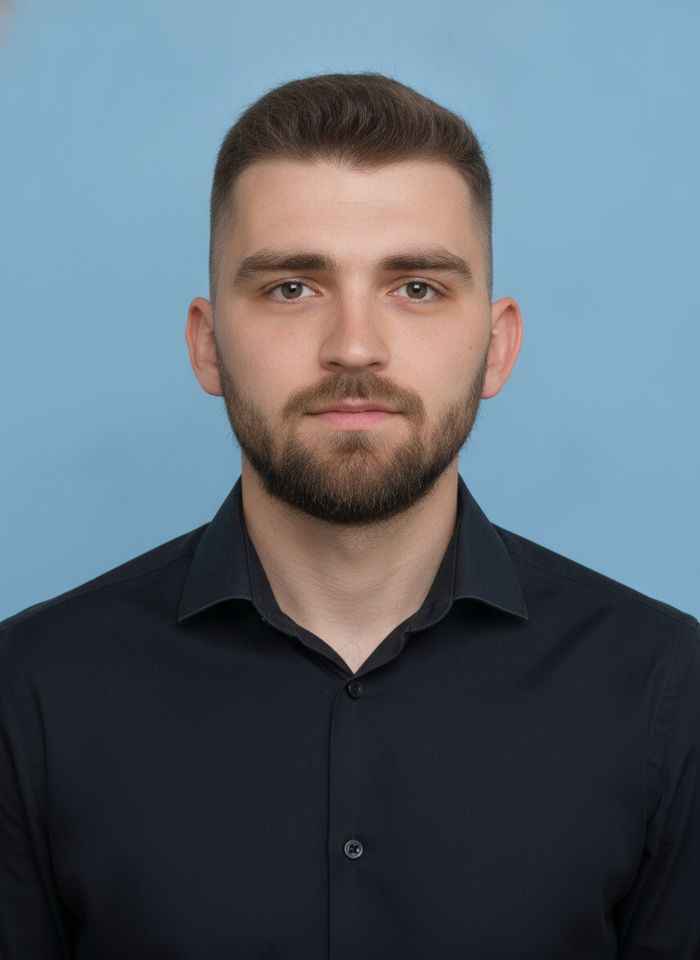
Turn one photo of yourself into a formal, front-facing ID-style photo on a white, blue or red background.

AI Product Photo
Turn a simple product snapshot into a studio-quality photo for your store.

AI Headshot Generator
Get a professional headshot for LinkedIn or your resume from one selfie. No photographer needed.

Old Photo Restoration
Remove scratches and fading, sharpen faces and add natural color to black-and-white photos.
AI Background Changer
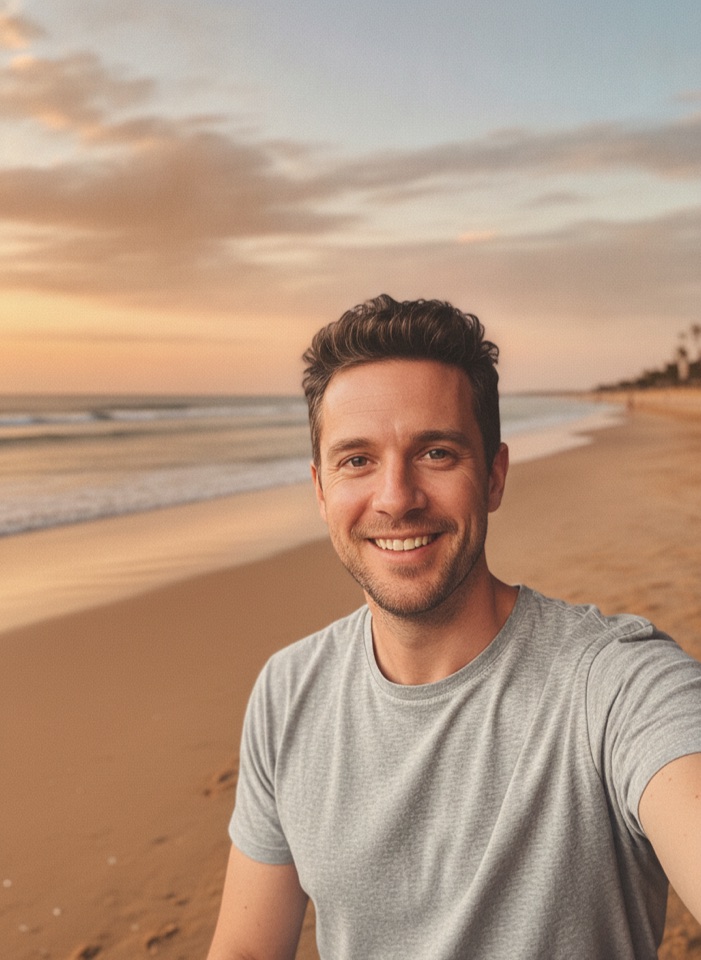
Upload a photo, pick a new background or describe your own, and the subject is kept as it is.
AI Object Remover
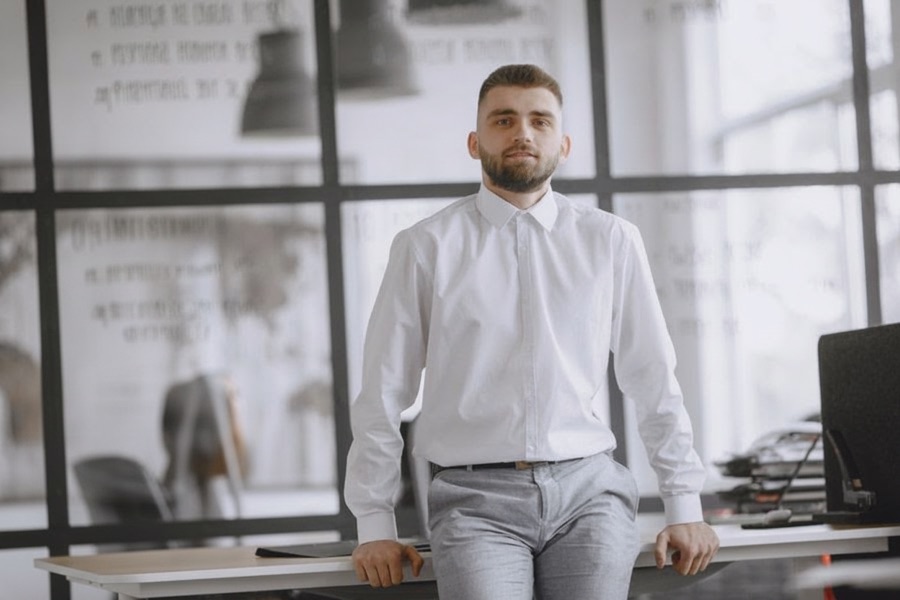
Type what you want gone, like a stranger or a trash can, and the AI removes it and fills in the background.
White Background Maker
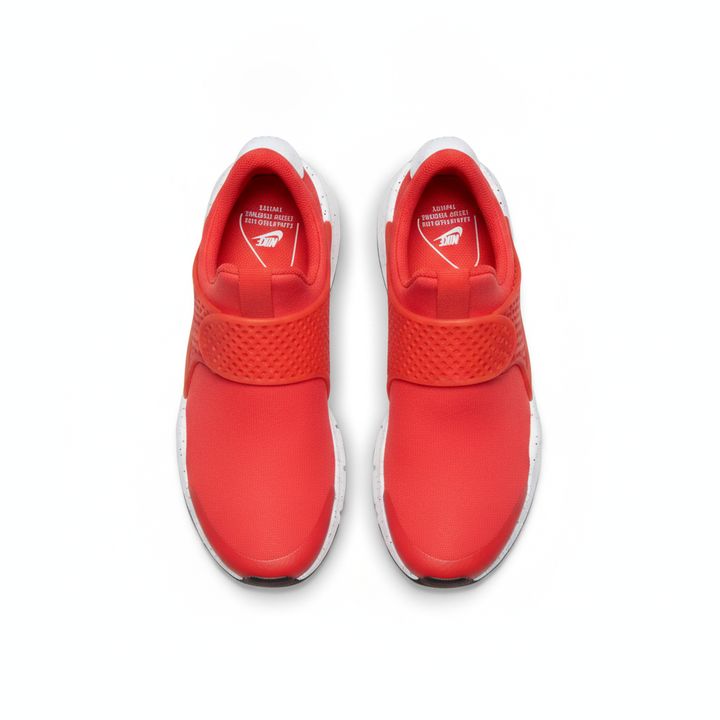
Upload a product snapshot and get it back on a clean, plain background with a soft shadow, ready for your store.